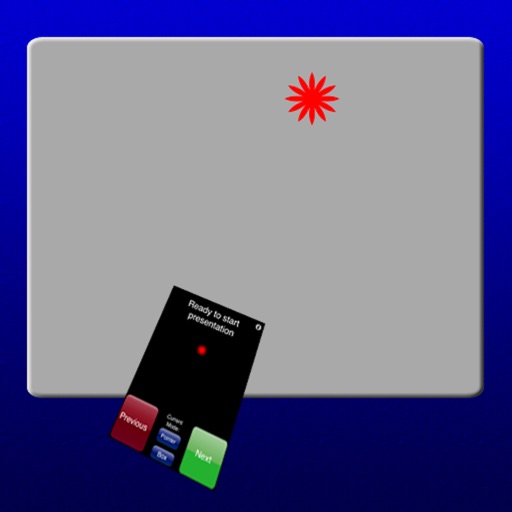
Control On-Air presentations by pausing, playing, or following along. View notes during presentations. Preview slides and video service items. Cast content to TV or projector via AirPlay/Chromecast. Sync with desktop for real-time access.
Control presentations from a mobile device. Navigate slides, adjust timing, and manage transitions during rehearsals. Display slides wirelessly via VGA adapter or AirPlay mirroring. View audience feedback and annotations in real time.
Transform your phone into a wireless , keyboard, and trackpad for your computer. Control cursor movement, type on virtual keys, and use multi-touch gestures. Manage computer power states and navigate media playback remotely.
Control Apple TV with on-screen buttons, volume, and navigation. Adjust settings and access apps directly from the device. Pair via Wi-Fi or Bluetooth for seamless remote operation.
Install and manage custom fonts for use across apps. Apply selected fonts in text input fields within compatible apps. Access fonts directly from the in supported applications. Sync fonts with devices and organize collections.
Create high-pitched sounds using a whistle slider or frequency input. Select from various sound patterns. Adjust volume and duration. Share recordings or save them for later use.
Automate clicks, curve swipes, and pinch gestures on custom web pages or games. Set custom durations for repetitive actions. Perform tasks like web browsing, gaming, or reading with automated touch inputs.
Control Mac applications with a wireless trackpad and full keyboard. Navigate menus, adjust settings, and manage media playback without physical hardware. Supports multitouch gestures and no-configuration control for compatible apps.
Record video presentations by syncing voice narration with slide pages. Import slides, tap record, and flip through pages while speaking. Export videos for sales, training, or remote collaboration.