Capture photos and videos without storing them on your device. Share directly via social media or messengers. Choose where to save media or send it instantly. Set default preferences and switch between front and back cameras.
Adjust exposure, focus, and white balance manually. Capture images in RAW DNG format. Save photos to roll. Access advanced controls for precise adjustments. Replace automatic settings with custom configurations.
Apply to photos and videos in real time. Edit existing media from the camera roll. Organize into categories for quick access. Share edited content directly to social media. Adjust brightness, contrast, and color settings.
Take photos and videos remotely using AirSnap, a feature that lets you control the from your phone. Adjust settings like focus and exposure. Edit images with cropping, filters, and adjustments. Share directly from the .
Take with customizable filters for character, scene, mood, scenery, food, and black and white. Add handwritten signatures for personalization. Apply blur and dark angle effects. Share directly to social networks.
Control the PHANTOM 2 drone via mobile device. Adjust camera settings, manage flight paths, and monitor battery life. View real-time video feed and trigger automated shots. Access flight data and system diagnostics.
Take high quality photos and videos using triple and dual systems. Adjust exposure and use 10x zoom for both photos and videos. Record HDR videos with real time zoom and smooth focus. Switch between lenses automatically or manually.
Record and edit videos with real-time filters and effects. Add text overlays and background music. Share videos directly to social media platforms. Adjust lighting and angles virtually during recording.
Create authentic-looking couple photos from existing images. Transform photos into candid moments like wedding days, family life, or romantic photobooths. Apply vintage film effects and adjust blur levels to simulate accidental captures.
Edit photos adjustable temperature, tint, and exposure settings. Use texture blending tools and apply effects. Add stickers opacity and shadow control, and include text 3D effects and multiple fonts. Crop, rotate, and straighten images.
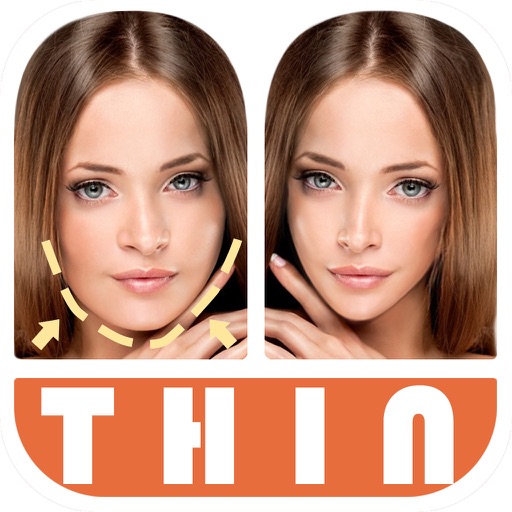
Edit photos by automatically detecting faces and adjusting body shape in four modes: , head, body, and manual. Apply changes to photos from the or library and share the edited images.