Track speed with a graphical dashboard and analog/numeric display. View current location, weather, and temperature in Celsius or Fahrenheit. Switch between kilometer and mile units. Customize dashboard colors and use an analog compass.
Monitor current, average, and top in real time using GPS. Switch between mph and km/h. Track during driving, cycling, running, or outdoor activities. Display data clearly and continuously.
View current speed with a scalable . Track total distance and trip data including max and average speed. Export trip data as GPX, CSV, or KML files. Receive alerts when speed exceeds or falls below set limits.
Display speed limits and alert for overspeeding. Show speed camera locations and distance. Provide average and maximum speed tracking. Include odometer and unit selection for KMH/MPH. Display current road name, weather conditions, and temperature.
Manage GPS tracking for vehicles, valuables, and people. View real-time locations, receive alerts, and access historical data. Set up tracking profiles and monitor multiple devices from a single account.
Track speed in using units like meters per second, miles per hour, and kilometers per hour. Display speed in English or Spanish. Allow users to request additional language support.
Track distance and pace in Run/Walk Mode with mile beeps. Monitor average and current speed in Bike Mode. Driving Mode provides detailed tracking for data export. Supports both miles and kilometers.
Track , distance, and location using GPS. Display in analog and digital formats. Monitor time and vehicle velocity. View current location and record trip data.
Track , distance, and time during trips. Record trip data automatically. View real-time statistics and historical trip details. Share trip summaries with others. Set and monitor limits. Export trip data in various formats.
The app records vehicle travel data, displaying real-time measurements like speed, distance, and altitude. It offers features such as trip recording, customizable themes, speed limit alerts, and HUD mode.
Track real-time speed using GPS in km/h or mph. speed on a clear interface. Monitor distance traveled and trip duration. Set speed alerts and receive notifications. Sync data with other apps for detailed analysis.
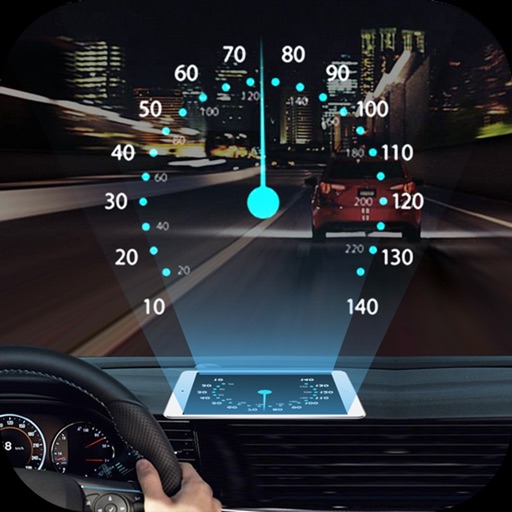
Projects speed, clock, weather temperature, cruise control, and now playing song information onto the windshield when iPhone is rotated and placed near the windshield. Displays data in landscape mode for easier visibility while driving.