Scan documents, photos, and receipts using the device camera. Save scans as PDF or image files. Share scanned documents via email or social media. Edit scanned images with cropping and brightness adjustments.
Scan documents into PDF, JPEG, or DOC formats. Edit scanned files and save them to your device. Share documents via email or cloud services. Securely store files without third-party access.
Scan documents using AI-powered edge detection and automatic perspective correction. Create high-quality PDFs with image enhancement. Edit, merge, split, and compress PDF files. Add digital signatures. Convert images to PDF.
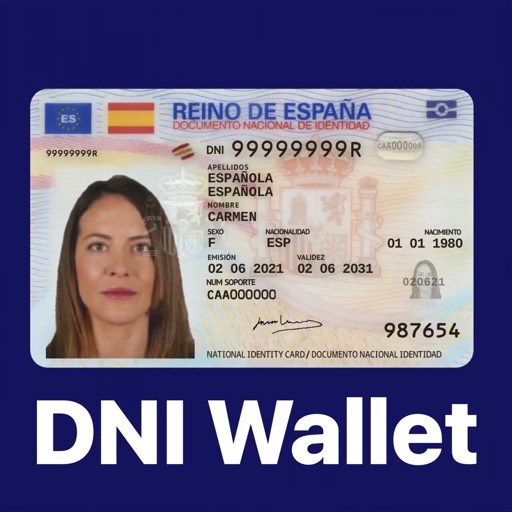
Store and manage digital ID cards and NIE documents. Add driver's license, health card, and other official documents. Access documents anytime and validate identity securely. Share documents with trusted services.
Validate identity online with secure authentication methods. Choose to share data with specific services. Control data access and set permissions. Encrypt biometric data on device. Manage identity verification requests and approvals.
Documents, photos, and receipts to convert them into PDF or JPG formats. Edit, delete, save, and share scanned files. Add signatures and organize documents in folders. Sync with cloud storage services for backup and access.
Convert documents, receipts, and text into high-quality PDFs or JPEGs. Scan and straighten pages automatically. Save, share, or upload files via cloud services or email.
Allows users to scan printed or handwritten documents, receipts, and notes. It automatically detects documents and converts them to high-quality PDF or JPG. Users can adjust brightness, contrast, and saturation.
Create a digital identity in 5 minutes using a smartphone. Enter a phone number and set a personal code for account security. Verify identity by scanning an ID document and taking a face photo.