
Cam to PDF - Document Scanner
Scan documents, receipts, and photos to PDF
Maria Gascon
iPhone Screenshots



Description
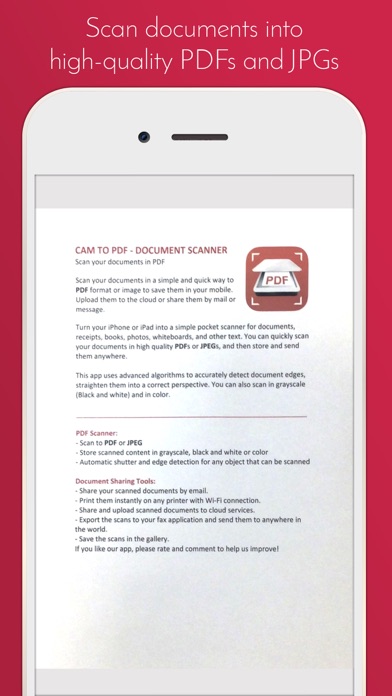
Convert documents, receipts, and text into high-quality PDFs or JPEGs. Scan and straighten pages automatically. Save, share, or upload files via cloud services or email.
Cam to PDF - Document ScannerScan your documents in a simple and quick way to PDF format or image to save them in your mobile. Upload them to the cloud or share them by mail or message.
Turn your phone into a simple pocket scanner for documents, receipts, books, photos, whiteboards, and other text. You can quickly scan your documents in high quality PDFs or JPEGs, and then store and send them anywhere.
This app uses advanced algorithms to accurately detect document edges, straighten them into a correct perspective. You can also scan in gray scale (Black and white) and in color.
NEW FEATURE: Extract Texts from Image
- OCR (optical character recognition) feature recognizes texts in document images and extract them from images for later searching, editing or sharing.
PDF Scanner:
- Scan to PDF or JPEG
- Store scanned content in gray scale, black and white or color
- Automatic shutter and edge detection for any object that can be scanned
Document Sharing Tools:
- Share your scanned documents by email.
- Print them instantly on any printer with Wi-Fi connection.
- Share and upload scanned documents to cloud services.
- Export the scans to your fax application and send them to anywhere in the world.
- Save the scans in the gallery.
If you like our app, please rate and comment to help us improve!