The app provides a multi-device collaboration tool for capturing and sharing creative ideas. Users can add notes, arrange them on a canvas, assign colors, and draw to organize thoughts and show relationships between concepts.
And drawing with printable pictures and blank pages for custom artwork. Features include zoom functionality, video replay, and realistic tools. Users can create and share their own drawings.
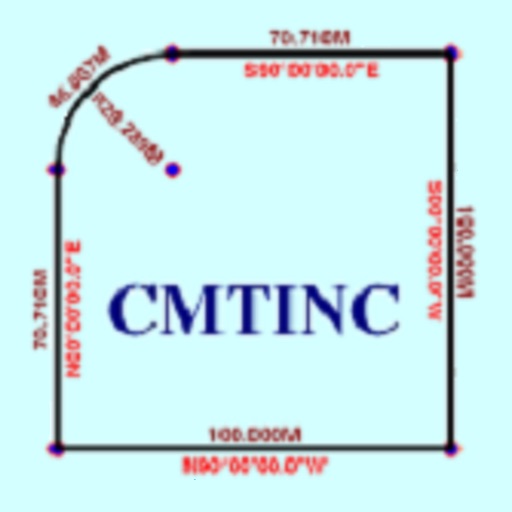
The app converts real property descriptions into boundary maps. Users enter angles and distances to draw property boundaries, displaying closure error, total area, and perimeter.
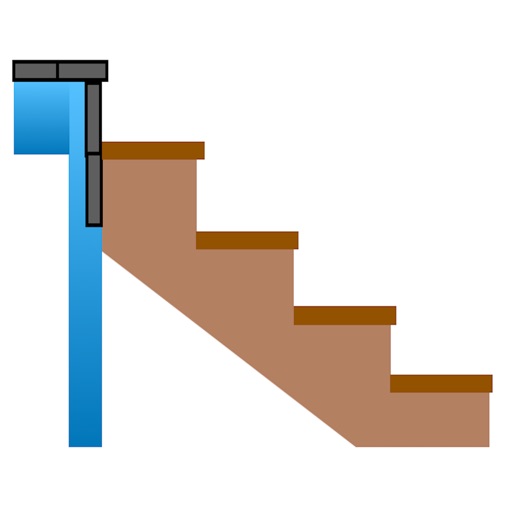
Calculate risers, run, angle, length, step height, tread depth, and number of steps. Adjust parameters for customization. Switch between Imperial and Metric units. Email or text results as needed.
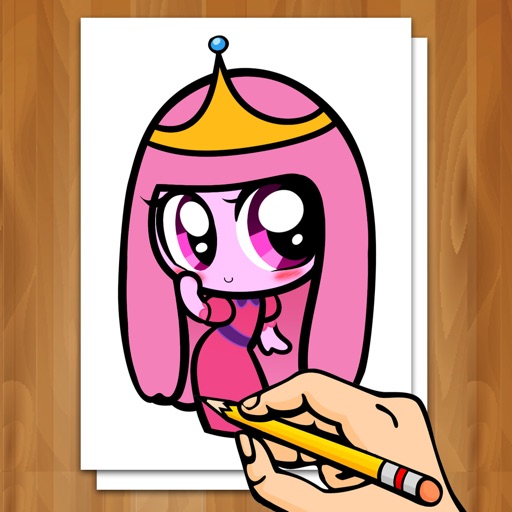
Create drawings step by step using pre-designed templates on various themes. Select and customize colors, add text, and save or share completed artwork. Access tutorials and instructional guides to drawing techniques.
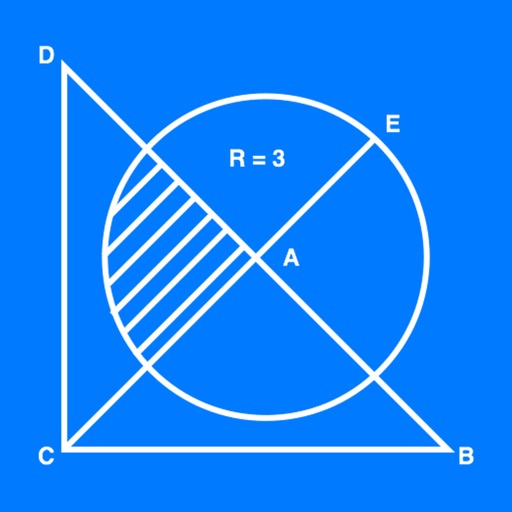
The app allows users to create geometrical figures, points, circles, and polygons. It can also create parallel lines, perpendicular lines, lines with a given angle, midpoints, and intersections.
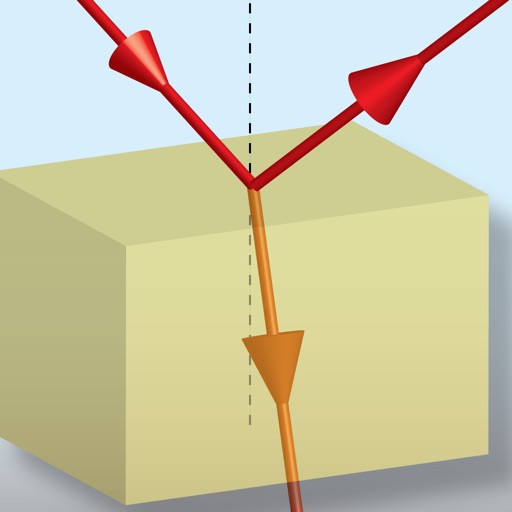
The app calculates the refractive index of transparent materials based on wavelength. It also computes light transmission angles, reflection and transmission coefficients, critical angle, and Brewster’s angle.
Use iPad and Apple Pencil as a liquid crystal tablet. Draw in PC programs like Photoshop and Clip Studio. Connect via wired or wireless. Supports pressure sensitivity and real-time rendering. Export drawings as image files.