Convert colors between various colorspaces with accurate colorimetric calculations. Visualize data in 2D and 3D formats. Compute metrics like Rendering Index and Metameric Index. Compare colorspaces and analyze properties.
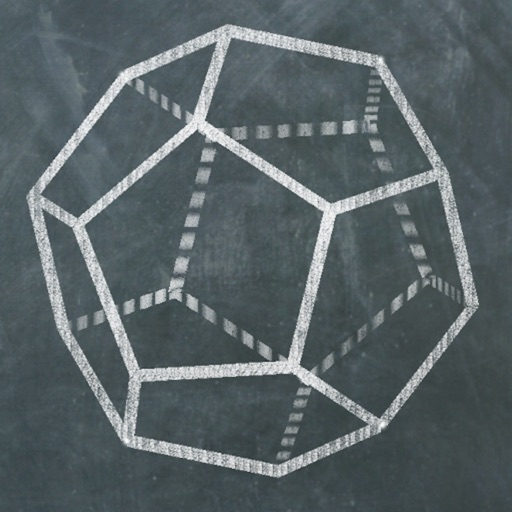
Explore 3D polyhedra models and create cross-sections by selecting three points on faces. Rotate, zoom, and adjust views. Learn about properties and types of solids. Build and analyze cross-sections for educational understanding.
Allows users to draw grids over images for precise copying, scaling, and tracing. Features include adjustable sizes, reference image overlay, and zoom capabilities. Users can export drawings and share files directly.
Convert numbers between bases 2 to 30 with real-time updates. Perform calculations in multiple number systems. Display results accurately with a clean, intuitive interface. Switch between bases instantly for precise outputs.
Create art with layer editing tools including adding, deleting, duplicating, hiding, sorting, and grouping layers. Use blend modes and transparency settings. Access various tools like pen, eyedropper, eraser, and selection.
Create paintings, drawings, and sketches with realistic brush strokes and 64-bit color. Use sub-pixel precision for detailed work. Import and export artwork in multiple formats. Access advanced tools for layering and color blending.
Calculate in decimal, hexadecimal, and binary bases. Switch between bases during equations and view real-time conversions. Display values in all three bases simultaneously. Perform arithmetic operations across different number systems.
Convert photos, videos, or Live Photos into with one tap. Crop content for focus. Add text or doodles for personalization. Export in various formats and share directly.
Interactive eBooks with enhanced learning features.
The app offers an interactive eBook reading experience with integrated videos, audio, and interactivities. Users can download books for offline access and utilize features like note-making and text highlighting for enhanced learning.
The app displays SVG and SVGZ files, including animated ones. It supports exporting to PNG, TIFF, and PDF formats with an alpha channel, and can be automated with AppleScript or Automator.