Record videos with manual controls for exposure, shutter speed, ISO, white balance, focus, zoom, frame rate, quality, resolution, and aspect ratio. Save and share videos via iTunes, Airdrop, or other transfer methods.
Apply to photos and videos in real time. Edit existing media from the camera roll. Organize into categories for quick access. Share edited content directly to social media. Adjust brightness, contrast, and color settings.
Using custom transitions. Select or from the library. Apply dissolve or fade transitions between clips. Adjust volume and trim video clips. Set photo durations and choose orientation. Save to Camera Roll or share to social media directly.
Take photos with single-tap effects and professionally designed filters. Adjust brightness and contrast. Apply blur and focus. Rotate and crop images. Export edited photos in various formats.
Edit photos with single-tap effects and professional filters. Adjust brightness and contrast. Apply blur and focus tools. Enhance portraits with specialized filters. Export edited images in various formats.
Create lock screen backgrounds with personalized names. Type in or initials to preview designs. Choose from over 40 unique wallpaper options. Save images to camera roll and set as lock screen.
Create interactive bionic simulations of with high-fidelity details. Add multiple to the same screen. Enable water effects for a different visual style. Use local videos as backgrounds. Switch between camera views and pause camera input.
Create and style photos with single tap effects. Apply 8 filters including , Cartoon, and Dots. Share images to social media or save to photo library. Print photos directly.
Edit photos with brightness, saturation, and contrast adjustments. Add text, stickers, and memes. Crop, rotate, and straighten images. Apply effects and frames. Sharpen or blur photos. Import images from the camera roll. Fix red tones.
Edit photos and videos with advanced auto enhance tools, double exposure, and 425 special light effects. Apply filters, add stickers, typography, and vignettes.
Edit videos by adding zoom effects using pinch or drag gestures. Cut or uncut unwanted sections with the scissors tool. Change aspect ratio and videos. Save and share edited videos directly.
Create slideshow videos by selecting templates, adding photos or videos, and applying transitions, animations, and effects. Customize with stickers, fonts, and music. Share directly to social media platforms or save to camera roll.
Create rankings for favorite foods, drinks, songs, and more. Add descriptions and images. Share rankings on social media or blogs. Customize categories and sort items by votes or ratings. Export results as images or text.
Take high quality photos and videos using triple and dual systems. Adjust exposure and use 10x zoom for both photos and videos. Record HDR videos with real time zoom and smooth focus. Switch between lenses automatically or manually.
APPAS SOLUTIONS, SOCIETATEA CU RASPUNDERE LIMITATA
Capture low-light scenes with infrared and thermal
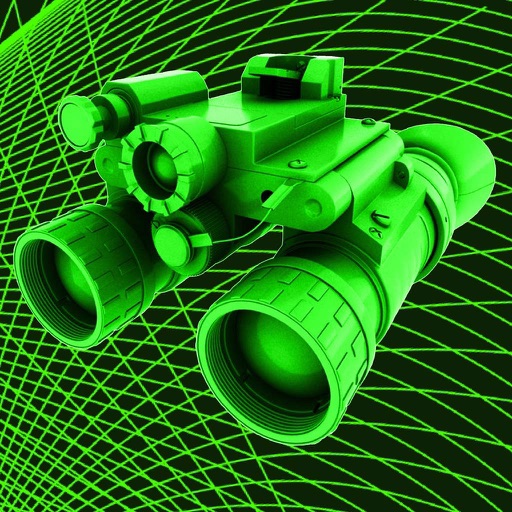
Take photos in low light using three modes. Capture infrared, X-ray, and thermal effects. Zoom in with binoculars and apply temperature effects. Adjust settings for optimal visibility in environments.