The app provides slow shutter control and a full set of effects and filters. It includes capture modes, adjustable shutter speed, a self-timer, and freeze and contrast controls.
Record using both front and back cameras simultaneously. Capture picture-in-picture footage with one camera. Save videos to the photo library for easy management, sharing, and deletion. Enable night mode for improved lighting.
Edit photos by selecting from Camera Roll or taking new shots. Apply real-time effects to create prism-like glass pieces. Adjust frames, shapes, and patterns. Rotate, resize, and drag elements for custom designs. Export and share edited images.
Create videos by selecting from camera or gallery. Adjust frame duration and apply effects, filters, themes, doodles, and stickers. Add music and create slideshow animations gif memes and stickers.
Capture high-speed bursts with up to 30 photos per second at 12MP. Save only the shots to the roll. Export timelapse videos and slideshows. Lock focus and exposure manually. Share photos and videos directly.
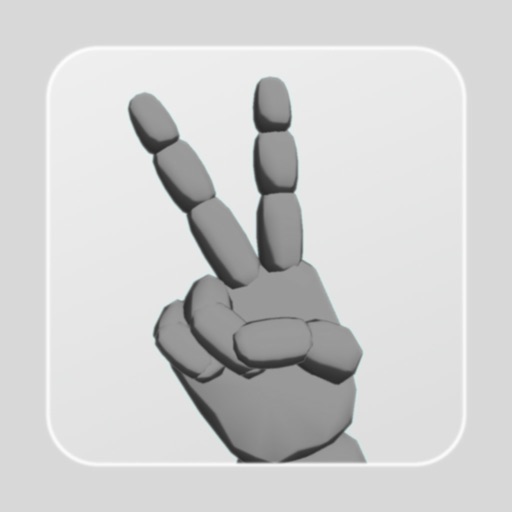
Edit character joints by rotating the blue ball below the screen for natural poses. Scale individual character parts unevenly. Save up to 9 poses. Combine poses with objects. Share screenshots. Adjust lighting direction.
Convert photos and videos into paintings or hand-drawn animations using AI. Apply sketching or painting styles with adjustable textures. Save the artwork process as a video. Choose from five standard art tools.
The app adds real-time watermarks to photos and videos, including current time and address. Users can customize timestamp formats, fonts, positions, and add custom text or logos.
Arthur Eduardo Skaetta Alvarez Desenvolvimento de Software LTDA.
Select frames and export -res photos
Select a and scroll through frames to capture a - image. Export the selected frame in original resolution or HEIC format for smaller file size. Share the image directly from the .
Create calming light effects by touching the screen to generate and attract light . Watch ever-changing patterns of light . Adjust colors and intensity for personalized relaxation.
Arthur Eduardo Skaetta Alvarez Desenvolvimento de Software LTDA.
Videos from your device
Create loops from existing videos by selecting them from the Camera Roll or device files. Adjust speed, duration, and start point. Export loops as clips or GIFs without watermarks.
Explore the by moving your hand to swing Lightsabers, levitate X-wings, and pilot starships. Create lightning, use the Jedi Mind Trick, and control Stormtroopers.
Edit photos with blending tools to create double exposure effects. Add frames, quotes, and background elements. Apply single-layer filters. Export edited images without ads. two images with one touch.
Edit photos by blurring backgrounds, faces, or specific subjects. Apply various effects and filters. Save edited images to the camera roll or share them directly.
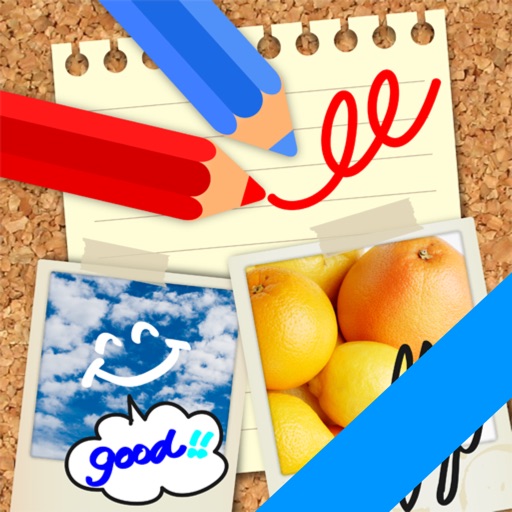
Edit images by on photos and adding text. Choose from 45 colors and five pen thicknesses. Use zoom editing and undo functionality. Share edited images via email, Twitter, and Facebook.
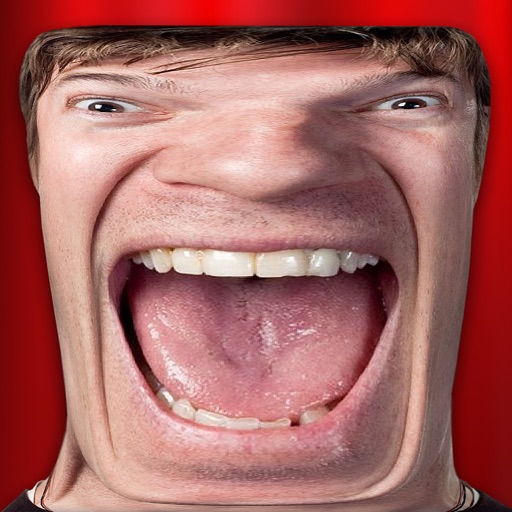
Take photos and videos with 9 customizable effects including smile enhancement, face stretching, and character transformations. Adjust effects on-screen. Share images and videos via email, Twitter, or Facebook.