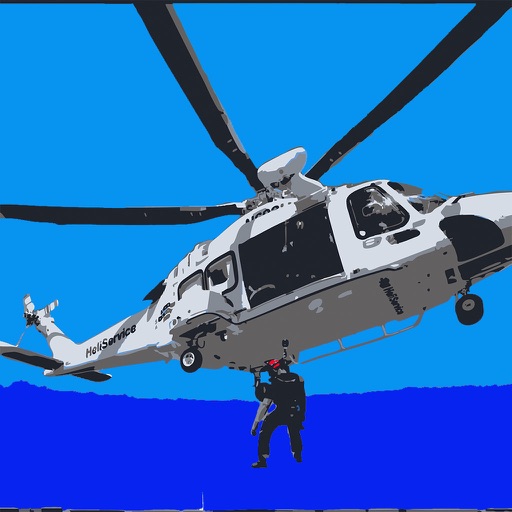
Manage flight data with in-flight metrics like relative wind, hover ceilings, density altitude, power limits, Vne, and more. Calculate weight and balance for multiple helicopter models.
by Nicholas Bradley★ 4.915 ratingsUtilitiesFreeData updated 2026-09-06
Control receiver with voice commands or touch gestures. Adjust channels quickly, set shortcuts, and manage settings remotely via Wi-Fi. Compatible with Genie Client Receivers and RVU-enabled TVs.
Learn to fly with detailed information on aircraft systems, flight maneuvers, and airspace regulations. Access FAA Knowledge Exam questions and study materials. Track progress with practice tests and review sessions.
Displays current speed, longitudinal and transverse slope, and ascent/descent percentages. Switch between normal and HUD modes for windscreen reflection. Verify vehicle speed during cycling, running, flying, or sailing.
Digital checklists allow users to create and customise checklists for flight tasks. View flight data and weather information. Access regulatory documents and checklists. Sync with devices and share checklists with crew members.
Learn and practice IFR procedures with realistic simulations. Navigate using charts and instruments. Practice approaches, holds, and instrument approaches. Track progress and review performance metrics.
Check flight rules and airspace restrictions in the U.S. and Australia. View compliance maps from aviation authorities. Plan flights using Google Maps. Access controlled airspace with LAANC. Set flight locations and receive real-time updates.
Plan non-revenue travel by searching for flights and viewing seat availability estimates. Track flight status and receive updates on boarding. Manage travel dates and preferences for standby trips.
The app provides an interactive exploration of the Bombardier CRJ-200 flight deck. Users can tap on switches and displays for detailed explanations, aiding pilot training and familiarization with aircraft systems.
Learn about the Boeing 737NG with interactive panels and system overviews. Explore switches, displays, and instrumentation. Simulate procedures and test knowledge through quizzes. Access detailed explanations of flight systems and avionics.
Check real-time forecasts and wind speeds at various altitudes. Access KP index and customizable limits. View no-fly zone maps and wind compass directions. Receive pre-flight reports to identify potential hazards.