Create images using generative AI based on text input. Edit photos by removing backgrounds and erasing distractions. Design personalized cards, wallpapers, and other visual content. Export and share finished projects.
Access machine codes, calculators, and engineer support
Access machine codes and manuals with one click. Calculate dimensions and tolerances using built-in tools. Contact engineers directly for support. Retrieve practical guides and troubleshooting tips for common machining tasks.
Take photos or type questions to get instant answers using AI. Solve math problems, understand physics or biology concepts, and get help everyday tasks. Upload images for detailed analysis and receive intelligent responses.
Create realistic designs with drag-and-drop furniture
Create photo-realistic designs by dragging and dropping over 2000 furniture and material items. Test material combinations or import custom textures. Generate 3D views and adjust lighting and colors. Save and share plans.
Allows users to create brand labels with preset layouts customizable for product categories. Users can save and print individual labels or generate print-ready sheets. Features include label customization, saving options, and print functionality.
Convert text, PDFs, YouTube links, web pages, images, and audio files into podcasts. Use AI-generated voices with options like Angelo and Nia. Customize voice settings and export podcasts for playback or sharing.
The app provides machine embroidery design management on iPhone and iPad. Users can rotate, flip, move, resize, and modify designs, change thread colors, and synchronize with computers via iCloud.
Book rides with luxury vehicles and access premium services. Set pickup and drop-off locations. Track details and vehicle information. Request ride confirmations and receive real-time updates. Adjust ride preferences and manage payment methods.
Adjust audio settings with Booster and Enhancement for improved clarity and depth. Play and pause media, adjust equalizer settings, and control playback from the home screen. Sync with devices for uninterrupted audio streaming.
Track projects, list supplies, and organize patterns
Track needlework projects with cross stitch, embroidery, quilting, and . Log fabric, beads, and patterns. Create shopping lists and organize inventory. Search, sort, and browse project details. Save progress and avoid duplicate purchases.
Create 3D designs by uploading photos. Choose from various types and styles. Drag and drop furniture to arrange layouts. Customize colors and materials. View realistic renderings and save designs for future reference.
Relax with calming sounds, guided meditation, and pre-sleep sessions. Choose from 51 brainwave programs and visualizations. Listen to hours of music and audio content. Track sleep patterns and adjust settings for personalized relaxation.
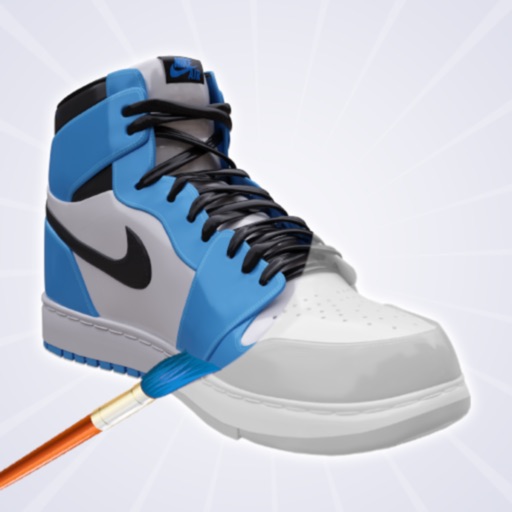
Create and customize shoe designs by selecting colors and patterns. Choose from various shoe models to personalize. Save and share completed designs. Access tools for detailed artwork.