Apps Like Clear Wave - Remove Water for iPhone and iPad
Test speakers and microphone quality
Test audio output and input quality by playing sound waves and analyzing speaker clarity. Detect microphone issues through voice recordings. Clean speakers and or dust with built-in tools.
by Davin App LTD★ 4.7566 ratingsMusicFreeData updated 2026-09-06
Stream music from Internet radio or music services. Play songs in multiple rooms or sync playback across the house. Control settings and manage device connections through the .
Measure ambient in real time using the phone's microphone. Display decibel levels. Monitor household appliances like washing machines, refrigerators, and computers. Compare sound levels to assess potential hazards.
Tune strings with real-time pitch display in Hz. Adjust A4 calibration between 415 Hz and 466 Hz. Use tuning fork feature and advanced settings via in- purchase. LED indicator highlights tuned strings. Supports standard and drop D tunings.
Monitor usage and optimize settings to extend life. Analyze networks for signal strength and connected devices. Track storage space and system resources. Detect nearby Bluetooth devices. Manage background processes and view network traffic.
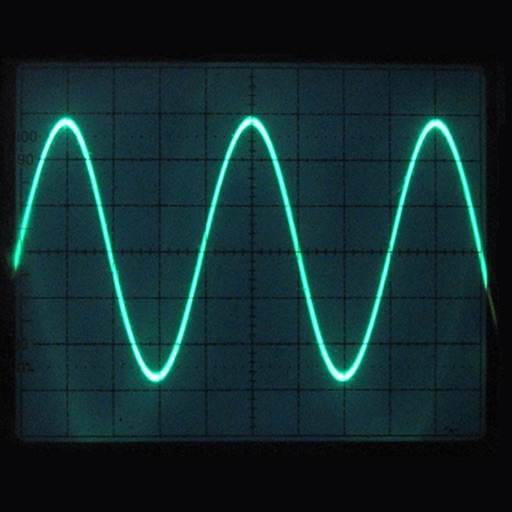
The app generates test tones and frequencies using sine, square, and sawtooth waves. It supports frequencies from 20Hz to 22kHz and includes white and pink noise generation.
Measure sound volume in real time with a meter. Display current sound level with a main indicator and digital dB value. Provide explanations for sound levels. Allow calibration of microphone settings.
Udio tones with four waveforms: sine, square, saw, and white noise. Adjust frequency using a slider or numeric input. Control amplitude with a dB-style slider. Pan sound left or right with a slider. Toggle sound output on or off.
Monitor performance with real-time CPU, memory, and battery usage tracking. View detailed hardware specifications and storage information. Run system tests, benchmark apps, and analyze network activity.
Ambient noise levels with a simple interface. Display one-minute average decibels in large text. Features clean design and free access. No additional functions or settings provided.
Analyze in real time with octave band and FFT plots. Display sound levels in decibels and noise ratings. Choose linear or logarithmic scales. Adjust window functions and track maximum values.
The app is a multitrack audio editor for iPhone and iPad. Users can record or import tracks, edit them with cut, copy, paste, and delete functions, and apply filters and effects.
Tools for professionals include real-time analysis with SPL display, tone and noise generation, wavelength calculation, UHF frequency reference, antenna line loss assessment, microphone gain calculation, and recording/playback of test signals.