The app offers photo editing with effects, frames, and stickers. Users can adjust brightness, contrast, color balance, saturation, sharpen, and blur images.
Take selfies and photos using front and back cameras. Apply live filters and magic filters. Crop, rotate, and flip images. Add text with various fonts and colors. Apply stickers and share edited photos.
Apply vintage filters and presets to enhance photos. Adjust brightness, contrast, and saturation. Add film grain and color tones. Save and share edited images directly.
Capture property photos and process them professionally
Capture high-quality property photos with Smart Capture Technology. Edit images using advanced processing for professional results. Share photos directly via email or social media. Organize and tag images for easy access and presentation.
Faces in photos, videos, or GIFs using AI. Choose templates to create new scenes or memes. Upload images and select pre-designed content for instant swaps. Adjust facial features for realistic results. Share edited content directly.
Capture photos with built-in live filters in landscape or portrait mode. Adjust saturation, contrast, brightness, exposure, and sharpen. Apply crop, gamma, haze, sepia, or color invert.
Edit photos by adjusting facial features like nose and eyes. Apply pre-set filters for enhanced appearance. Use AI to detect photo planes and select Bokeh effects to blur backgrounds. Save and share edited images.
Zoom into images to view details at maximum screen size. Enlarge specific areas like eyes or text in photos. Adjust zoom levels for precise viewing on iPhone or iPad displays.
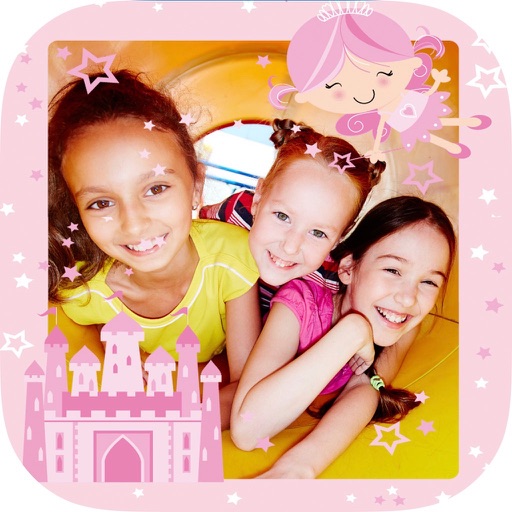
Create collages with and fairy tale . Add stickers, text, and notes to personalize photos. Edit images with filters and adjustments. Save and share decorated photos directly.
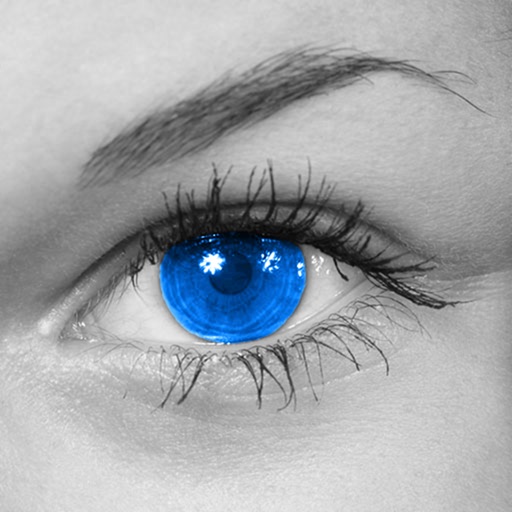
The app converts photos to grayscale while allowing users to selectively recolor areas. Users can paint, zoom, and erase to create color splash images.
Edit photos with -themed , stickers, and personalized text. Create custom greeting cards and invitations. Add messages and decorate images for special occasions. Share edited photos directly.
Create collages by arranging multiple photos into a single square layout. Adjust brightness, contrast, and white balance. Crop, rotate, and apply filters.
The app offers a photo editor with tools for adding textures, stickers, and frames. Users can enhance photos with filters, adjust brightness and contrast, and remove blemishes.