Remove unwanted people and objects from photos with a single tap. Manually trace and delete specific elements for precise edits. Erase facial blemishes and dark circles cleanly. Export edited photos directly.
Edit photos with filters, effects, and auto retouching. Apply unique styles and vintage looks. Adjust brightness, contrast, and saturation. Add text and stickers. Export and share edited images directly.
Allows users to capture photos with a minimal yet powerful interface. It includes manual controls for exposure, focus, and white balance. Users can edit images with advanced tools like color grading, adjustment layers, and masking.
Edit photos with facial adjustment tools for eyes, nose, lips, eyebrows, and jawline. Retouch skin, whiten teeth, and remove dark circles. Apply makeup with customizable options. Adjust backgrounds and export in multiple formats.
Capture photos with advanced HDR, denoising, and 110-megapixel resolution. Use macro and zoom features for detailed shots. Adjust lighting and enhance details with AI-powered processing. Export high-resolution images directly.
Shoot photos in black and white with live-view controls for precise adjustments. Edit images using monochrome-specific tools like contrast, brightness, and grain controls. View and follow a news feed featuring black and white photography.
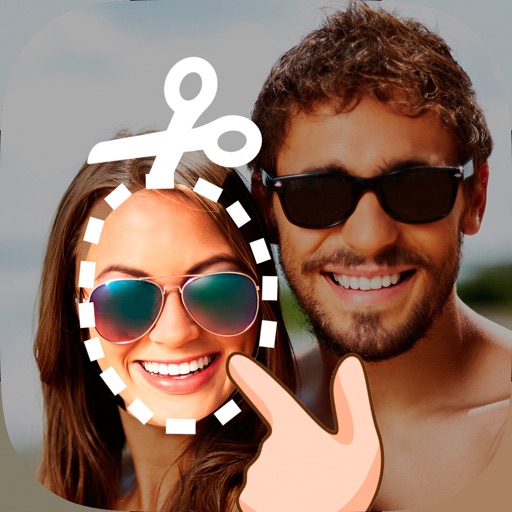
Edit photos by cutting and pasting faces, removing backgrounds, and deleting unwanted people. Add missing faces to photos. Use the silhouette head tool to select and edit elements. Export edited images directly.
Remove backgrounds from images by drawing a closed curve. Automatically erase similar color areas for transparent results. Adjust brush size for precise edits. Pan, zoom, and rotate images.
Capture photos and videos with GPS location and timestamp stamps. Adjust exposure, focus, and white balance. Edit images with cropping and filters. Share media directly with location data embedded.
Remove unwanted parts of photos using precise erasing tools. Change backgrounds with the feature. Undo actions or restore previous edits. Zoom for detailed adjustments and blur edges. Save and share edited images directly.
Convert black and white images to using selective recoloring. Select photos from the gallery or capture new ones. Pan and zoom for precise editing. Resize and fit images to the screen. Use redo and undo features for error correction.
AI Photo improves blurry, old, or low-quality images using AI to remove blur and enhance details. Image restoration tools repair damaged photos. Facial analysis evaluates beauty with accuracy. Users can adjust brightness, contrast, and color.
Edit photos with -themed and effects. Choose from multiple creative designs. Import images from gallery or camera. Adjust brightness, contrast, and color. Share via Facebook, Instagram, or WhatsApp. Save high-resolution versions.
Anonymize photos and videos by blurring or coloring faces and full bodies. Remove metadata such as time, date, and location. Apply anonymization settings locally without internet connection.
Edit photos with customizable HDR settings including effects, brightness, contrast, temperature, and hue/saturation. Capture high-resolution HDR photos in one click. View and manage HDR images in a dedicated gallery.