Convert units across length, area, volume, angle, mass, pressure, and more. Check real-time currency exchange rates. Recalculate instantly with updated values. Save frequently used conversions for quick access.
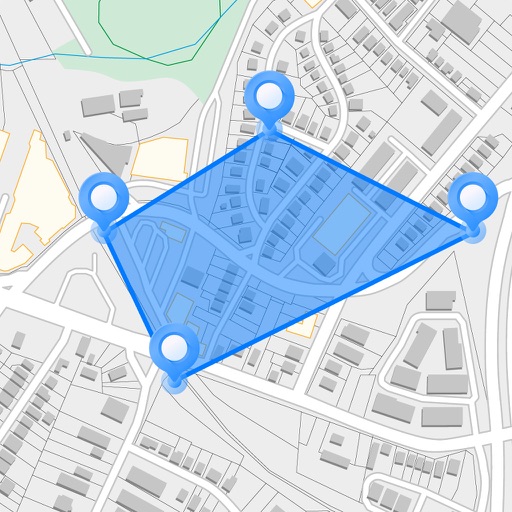
Measure areas, distances, and perimeters with precise pin placement. Mark and save measurements, name and group them for easy access. Share measured maps with colleagues directly.
Measure areas and distances on maps by placing points and calculating the total or route length. Save and share specific locations as points of interest. Calculate GPS areas with high accuracy.
View and interact with 3D STL files. Rotate, zoom, and pan models using intuitive gestures. Inspect details with smooth 3D rendering. Open and explore jewelry designs, engineering models, and CAD files directly on iOS devices.
Use your phone's camera to measure objects, calculate areas, and create floor plans. Access AR measure, , and level tools. Save measurements and switch between metric and imperial units.
Create and save to-do lists with text input. Add widgets to home screen in various sizes. Support dark mode for customization. Enable quick access to tasks from the home interface.
Take handwritten notes with customizable pens, including Chinese-specific tools like a fountain pen and laser pointer. Create and organize notes in a whiteboard, notebook, PDF, mind map, or flashcards format. Sync and share notes across devices.
Learn basic math operations like addition, subtraction, multiplication, and division through leveled exercises. Practice problems to improve skills. No subscriptions or in- purchases. Suitable for children and students.
Measure distances, land areas, and perimeters using satellite maps. Calculate perimeters and track outdoor projects. Measure routes for biking, golfing, or racing. Save and share measurement data.
The app visualizes magnetism in three dimensions using the iPhone's magnetometer. It can be used to explore magnetic fields, detect metal, and estimate north-south position without GPS.