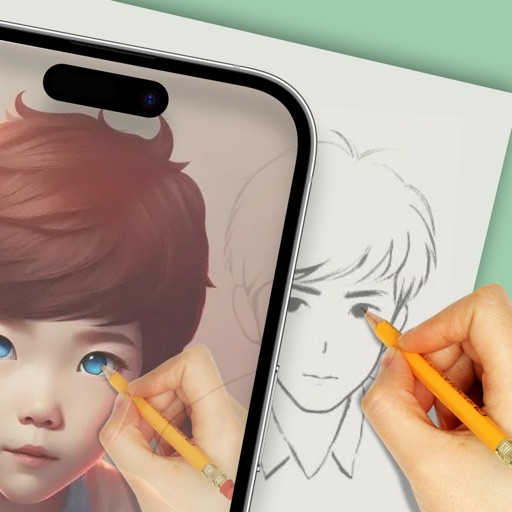
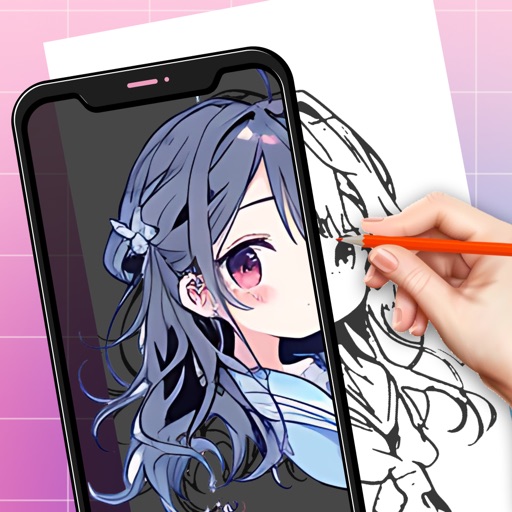
AR Drawing Tracing Projector app icon

Apps Like AR Drawing Tracing Projector for iPhone and iPad

by Phuong Thao Vu Thi★ 4.4612 ratingsGraphics & DesignFreeData updated 2026-09-06

AR Drawing Tracing Projector screenshots

Ranked alternatives

Showing 101–120 of 1,000 ranked alternatives.

  1. Wallpapers App for iPhone app icon

    Wallpapers App for iPhone

    WALLPAPERS Limited Liability Company

    Set and customize your home screen

    Browse 150+ categories of including anime, nature, and cars. Preview with one tap. Apply 4K and live . Supports dark mode and neon themes. Daily updates available.

    ★ 4.617,560 ratingsGraphics & DesignFreeData updated 2026-09-10
  1. Projector AR Drawing - Creator app icon

    Projector AR Drawing - Creator

    Zipo Apps Ltd.

    Draw with AR, create art instantly

    Use augmented reality to draw on any surface. Create sketches with AI-assisted tools. Select and customize NFT images from your phone gallery. Export drawings in various formats. Share artwork directly from the .

    ★ 4.2429 ratingsGraphics & DesignFreeData updated 2026-09-06
  2. AR drawing: Sketch and Trace app icon

    AR drawing: Sketch and Trace

    Konstantin Pytkov

    And with AR projection

    AR Camera Projection allows users to images onto paper using their phone's camera. 300+ templates provide a variety of sketching options. Users can adjust line weight and color. Export drawings in multiple formats and share directly.

    ★ 5.0110 ratingsEntertainmentFreeData updated 2026-09-06
  3. AR Drawing - Sketch Drawer app icon

    AR Drawing - Sketch Drawer

    CTC TECHNOLOGY LIMITED

    Draw, paint, and trace with AR

    Use camera to draw and paint in augmented reality. Access tracing templates for animals, cars, nature, food, anime, and more. Adjust brush size and color. Save and share artwork directly.

    ★ 4.8220 ratingsGraphics & DesignFreeData updated 2026-09-06
  4. Flowpaper: Drawing & Animation app icon

    Flowpaper: Drawing & Animation

    Botto Studio LLC

    Sketch and animate with fluid brushes

    Create still or animated drawings that flow and evolve. Use generative brushes for natural, responsive sketching. Design fluid artwork for backgrounds or sharing. Adjust brush settings for precise control. Export drawings in various formats.

    ★ 4.7319 ratingsGraphics & DesignFreeData updated 2026-09-08
  5. AI Interior Design Decor Home. app icon

    AI Interior Design Decor Home.

    Le Khanh

    Rooms, choose colors, and renovate spaces

    Create virtual room layouts using AI tools. Choose colors, furniture, and styles. Import photos for accurate scaling. Adjust lighting and materials. Export designs for real-world implementation.

    ★ 4.0355 ratingsGraphics & DesignFreeData updated 2026-09-06
  6. Square Fit: No Crop Photo Edit app icon

    Square Fit: No Crop Photo Edit

    PICFY Technologies Private Limited

    Create collages, edit photos, and trim videos

    Create collages and edit photos with cropping, filters, and text. Add stickers and remove backgrounds. Edit videos, create slideshows, and design invitations. Share directly to Instagram with hashtag management.

    ★ 4.72,636 ratingsPhoto & VideoFreeData updated 2026-09-09
  7. Cosplay AI Photo Generator app icon

    Cosplay AI Photo Generator

    Phuong Thao Vu Thi

    Generate AI headshots and apply filters

    Edit photos with AI-generated headshots and style templates. Apply retro 90s filters to create yearbook-style images. Share edited photos directly from the .

    ★ 4.2138 ratingsPhoto & VideoFreeData updated 2026-09-06
  8. Flow: Note Taking & Sketchbook app icon

    Flow: Note Taking & Sketchbook

    Bonobo Pte Ltd

    Sketch, , plan, share

    Take notes, sketch, and plan in a single with realistic ink and paper. Create custom tools and choose from colored paper types. Collaborate on documents and sync notes across devices. Write and draw with infinite width pages.

    ★ 4.17,224 ratingsGraphics & DesignFreeData updated 2026-09-13
  9. Tracing Buddy: Drawing Grid app icon

    Tracing Buddy: Drawing Grid

    La Fappbrica S.A.S. de C.V.

    Apply distortion to create illusions

    Allows users to transfer images to a surface using a . Features include square divisions, perspective distortion for anamorphic images, and support for both iPhone and iPad with Dark Mode. Users can apply distortion to images and export them for .

    ★ 4.5940 ratingsGraphics & DesignFreeData updated 2026-09-18

How we rank alternatives

Apps are ranked by functional similarity, category fit, rating confidence, and popularity.