Capture photos of the moon by aligning the camera manually. Adjust moon size with two fingers. Tap to autofocus or manually adjust focus. Modify brightness using +/- buttons for better detail. Press the circular button to take a photo.
by ZIZICICI LIMITED★ 4.437 ratingsPhoto & VideoFreeData updated 2026-09-06
Relaxation "Display calming screens with images, text, and buttons for daily relaxation. Includes a timer for session length. Watch 20-second cloud videos or listen to nature sounds of the woods during a pink moon."
The spacecraft's design and mission details. View 3D models of the vehicle. Access information about the Artemis I mission and its objectives. Learn about capabilities for deep space exploration.
Plan and capture photos with precise sun and moon positions. Track weather forecasts and moon phases. Set alerts for optimal shooting times. Share location-based photography tips and guides. Sync with camera apps for accurate timing.
The app visualizes the sun's path throughout the day or year. It predicts and plans for twilight times, solstices, and equinoxes, providing sun shadow information.
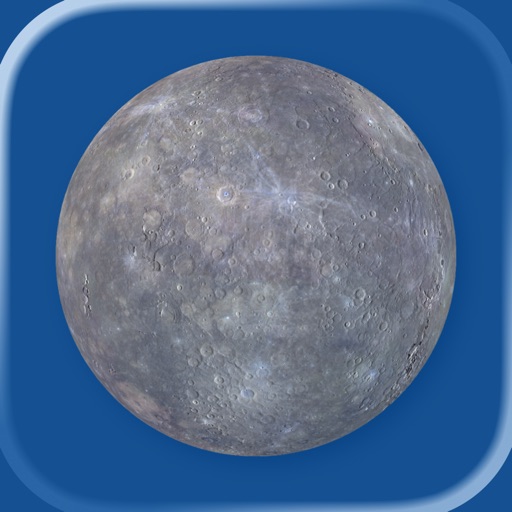
Explore a 3D model of with interactive globe mode. Spin the planet to view its surface. Use pinch gestures to zoom and reveal detailed labels. Search for over 320 named features. View phase and central meridian based on location and time.
Capture with real-time live effects and color presets. Apply adjustable effects and enhance colors simultaneously. Use screen flash for better results in low light. Share directly from the .
Record videos in resolutions including 1080p, 720p, 540p, 480p, and 360p. Choose a default resolution and set bitrate from 16.2Mbps to 0.25Mbps. Display maximum recording duration based on selected settings.
Provides daily information on global events, commemorative days, and public holidays. Includes detailed facts about each event. Offers tips on appropriate attire for the day. Answers questions about social interactions and daily norms.
Capture spatial photos and videos in 3D on iPhone Xs and later models. Record up to 4K and HDR spatial videos on compatible devices. Use time-lapse mode for dynamic captures. Launch Spatial Camera from the lock screen on iOS 18.
Calculate values, stops, and star trail length. Determine ND filter density and light meter readings. Set timers and use a dual-action torch. Access timelapse and moon size calculators. View live Flickr feeds.
Explore the system with 3D and augmented reality views. Rotate and zoom in on planets and moons. Learn about planetary features and orbits. Access detailed facts and scientific data. Share observations and screenshots.
Edit photos with brightness, saturation, and contrast adjustments. Add text, stickers, and memes. Crop, rotate, and straighten images. Apply effects and frames. Sharpen or blur photos. Import images from the camera roll. Fix red tones.
The app displays a 3D globe of Mars with zoomable labels and feature information. Users can adjust Mars' phase, tilt, and central meridian based on location and time, with a searchable database for features.