Track daily activities with customizable counters across multiple categories. Log entries through simple taps. View data in charts, calendars, or journals. Monitor streaks, tasks, habits, and other metrics.
The app supports infinite counters running simultaneously, with each counter reaching a maximum of 999. It allows users to maintain simple statistics for various counting needs.
Track progress with customizable counters for habits, workouts, or inventory. Set daily goals, receive reminders, and view statistics. Export data and sync across devices. Adjust settings and add notes for each entry.
Count numbers with a plus or minus button in the or . Set automatic resets with timers. Use shortcuts for Siri or Apple Watch integration. Send data via HTTP to third-party habit trackers. View a history log of all counts.
Allows users to count items by tapping the screen. Track inventory, laps, stitches, or daily goals. View real-time totals and manage multiple counting sessions. Save and review count history. Share counts via text or email.
Track expirations, counters, and inventories with color-coded visualizations and customizable settings. Set smart reminders for expirations. Sync data across devices using iCloud. Adjust color codes for individual items or apply global rules.
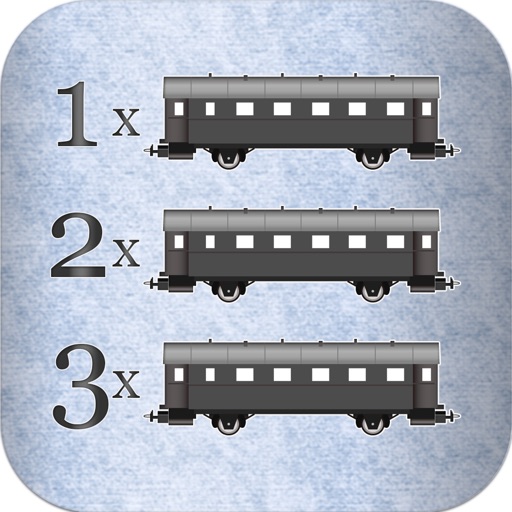
Track scores for 'Ticket to Ride' by counting cars and validating counts against used cars. Receive distinct sounds for each button press to confirm actions. Avoid recounting with built-in validation checks.
Count events, track traffic, manage inventory, play
Count items with a clicker for events, inventory, or traffic tracking. Tally guests, vehicles, or stock quickly. Set custom counters for specific tasks. Export data and share results directly.
Count items by tapping a number on the Apple . Increment or decrement the count. Undo accidental counts. Track quantities for birds, people, or other objects.
Track up to five custom counters with unique titles and settings. Adjust values manually or set automatic increments. data is saved automatically and accessible on Apple .
Track transactions by adding notes and denominations. Calculate totals automatically. Set reminders for deposits and expenses. Export records and generate reports. Sync data across devices.
Tracks steps, calories burned, distance, walking time, and speed. Displays daily and weekly logs with easy-to-read charts. Set daily goals and monitor progress. Syncs with health apps for comprehensive tracking.