Combine multiple photos into customizable frames or collages with 55 adjustable templates. Add rounded corners, effects, shadows, and patterns. Choose colors using an easy color picker. Save projects and share via Facebook, Email, or Twitter.
Create AI-generated photos using facial data for personalized styles like realistic headshots, collectible action figures, and toy-themed images. Apply viral templates to enhance visuals. Share generated photos directly.
Edit photos with AI enhancements, face beautification, and face swapping. Generate AI headshots and images from text. Create videos from images with AI effects. Add AI stickers and enhance backgrounds. Share edited photos and videos directly.
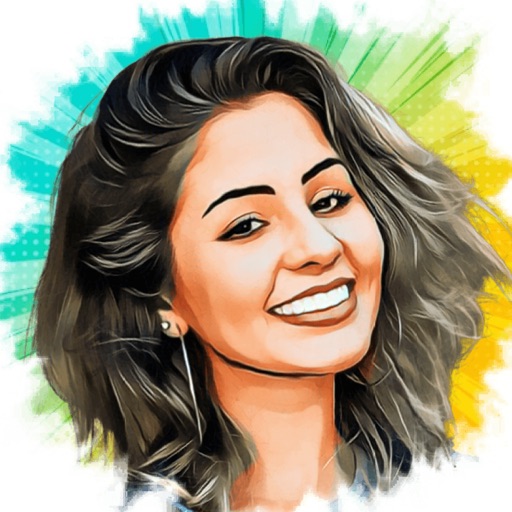
Turn photos into cartoons with AI-powered filters. Add toon backgrounds and layouts. Edit self-portraits with effects. Share edited images on social media platforms. Apply digital art filters and create anime-style avatars.
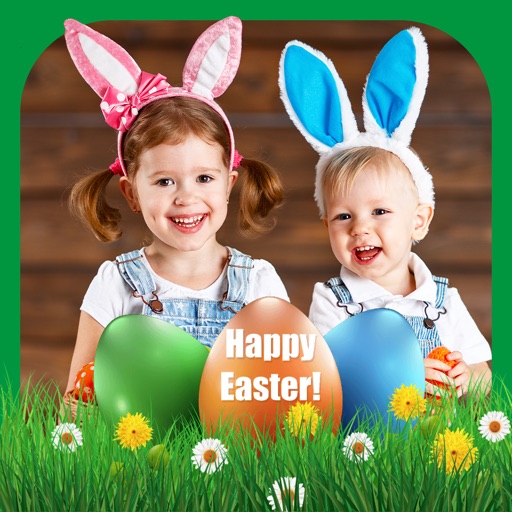
Select photos from gallery or photo library. Choose from numerous PIP frames. Use single image for both foreground and background or different images for each. Edit foreground and background separately. Apply photo filters.
Edit photos with AI cartoon filters, -to-sketch conversion, and mosaic art creation. Remove backgrounds, add drip art, and create collages. Save and share edited images directly.
Convert photos into or vector styles using AI. Apply over 100 background effects. Edit portraits with customizable avatars. Share edited images directly.
Transform photos into cartoon, anime, painting, or fantasy styles with instant artistic effects. Upload images and apply over 100 dynamic video effects to create animated videos. Edit and share the resulting artwork or video directly.
Create and edit images with AI-generated effects and styles. Transform photos into artistic visuals with customizable templates. Share edited images directly to social media. Adjust colors, lighting, and effects for professional-quality results.