Interact with in augmented reality by moving, rotating, or stacking them. Preview designs in a real-world environment to test layout and colors. Share for collaborative editing and viewing.
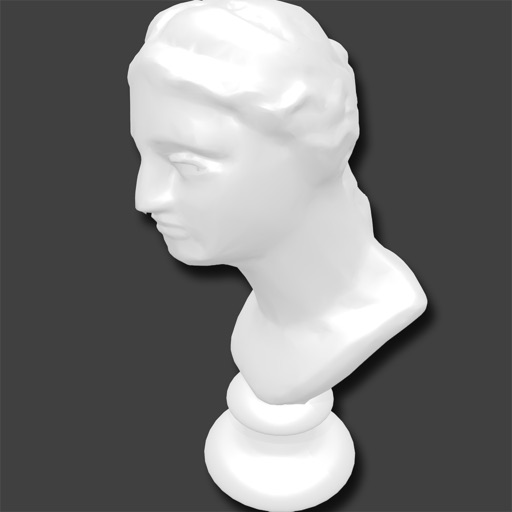
View and load 3D models in various formats including STL, OBJ, PLY, and others. Adjust mesh transparency. No registration required. Intuitive interface for easy navigation and interaction with 3D files.
The app displays source code files with native colors for over 60 programming languages. Users can open Xcode projects, browse files through folders, or select .xcodeproj files to analyze and open projects with all groups and frameworks.
View and edit MS Project plans in MPP format. Open files from cloud services like Google Drive, Dropbox, and OneDrive. Save and share project schedules. Track tasks, durations, and dependencies. Sync with Microsoft Project versions up to 2003.
Organize and manage files with drag-and-drop sorting, folder creation, and search functionality. Browse and edit photos, videos, and documents. Share files via cloud or messaging. Access device storage and data directly.
The app allows users to view Locklizard secure PDF documents, including PDC files protected with Safeguard PDF Security and Enterprise PDF DRM. It is available for iPad and iPhone.