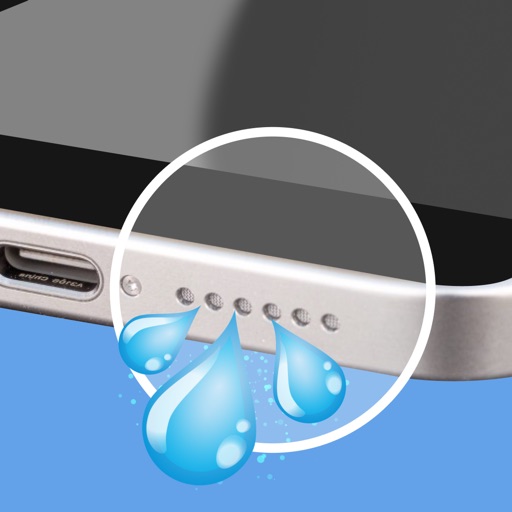
Apps Like Water Eject Airpods: WaterDrop for iPhone and iPad
Remove from your phone speakers
Helps remove from phone speakers using tested frequencies. Users can select free or premium frequency programs to and restore speaker quality. The provides ongoing assistance for maintaining speaker performance.
by Zion Studios LLC★ 4.481 ratingsUtilitiesFreeData updated 2026-09-06
Clean speakers and headphones using sound waves to remove dust and moisture without disassembly. Perform automatic or manual cleaning with scheduled reminders. Conduct basic sound tests to check speaker functionality.
Use advanced frequency cleaning to generate sound waves between 0 Hz and 20 kHz, breaking down particles in speakers. Activate automatic cleaning mode to run a preset session. Monitor progress and manually control cleaning intensity.
Generate pure tones, frequencies, and waveforms for and headphone testing. Customize frequency ranges and noise types. Perform audio quality tests and analyze sound output. Save and share test results.
Connect compatible speakers wirelessly for audio playback. Customize speaker settings and control volume. Receive software updates and access product support through the .
Clean and maintain iPhone speakers by removing trapped , dust, and debris. Use advanced sound waves to instantly, blow away particles, and restore clear audio quality. Perform these actions with a single tap.
Test speaker audio output using frequency ranges to assess clarity and balance. Perform stereo checks to ensure equal left and right channel performance. Generate tones within 160–180 Hz to adjust and optimize sound quality.
Use sound wave technology to remove and dust from speakers. Activate automatic or manual cleaning modes. Clear debris and restore audio clarity and volume.
Check speaker and monitor quality with real-time noise measurement and frequency analysis. Generate custom frequencies for testing. Adjust audio settings to enhance clarity. Access soothing sounds for relaxation.
Test phone speakers by generating precise tones from 20Hz to 20kHz. Adjust frequency levels to evaluate sound output, resonance, and clarity. Save and compare test results for speaker performance analysis.
Adjust audio settings with a customizable equalizer. Boost volume and enhance bass for louder playback. to Bluetooth devices and wired . Improve speaker sound quality with audio enhancement features.
Test speaker performance with frequency-based testing. using targeted sound waves. Clean debris with vibration modes. Monitor audio quality and receive feedback on speaker health. Share results and reset settings for optimal sound output.
Connect to compatible JBL speakers for stereo pairing or party mode. Control playback and volume directly from the . Access equalizer settings and firmware updates. Manage speaker settings and battery status.
Control sound with customizable EQ settings and bass adjustment. Connect up to 150 speakers via PartyUp for synchronized playback. Remote control speaker functions and manage audio settings directly from the .