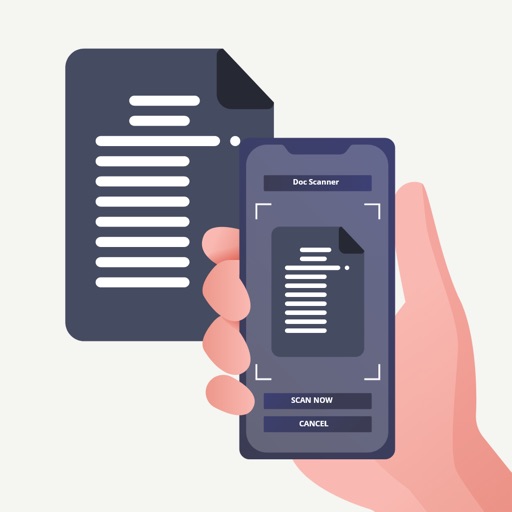
Scan documents using phone camera to capture receipts, notes, invoices, business cards, and certificates. Automatically crop and enhance scanned images for clarity. Share JPEG files directly to social media platforms.
Documents and convert them to PDF. Edit scanned text and add notes. Share files via email or cloud services. Organize and store multiple documents in folders. Adjust brightness and crop images for clarity.
Recognizes in documents and images using OCR. documents with a click and auto-detect pages. Extract and edit with cropping, filtering, and rotation. Copy, share, or export scans as images or PDF.
Edit PDF files by filling forms, highlighting text in multiple colors, and annotating sections. Save and share modified documents. Scan physical documents into PDFs using the built-in camera scanner.
Scan and edit PDF documents using camera scanning. Fill out form fields, markup, and highlight content. Sign documents with a signature. Save, organize, and print PDFs via Wi-Fi. Supports AirPrint and auto-crop features.
Scan documents, receipts, and notes to create high-quality PDF or JPEG files. Sign and edit documents. Use smart image editing with color correction. Scan multiple pages and organize files by date or name. Share scans via email or AirPrint.
Translate PDF documents from English to 37 languages. Edit and store translated files for later viewing and sharing. Use AI technology for accurate translations. Access translations offline without internet connectivity.
Create and apply custom signatures to documents. Sign PDFs and other file types directly from your device. Edit documents, add notes, and save or share signed files. Import signatures from photos or draw them manually.
Scan documents, receipts, ID cards, and contracts with AI-powered recognition. Automatically detect edges for accurate scans. Add digital signatures and send faxes directly. Organize and share scanned files securely.
Convert physical documents to digital format by scanning and analyzing photos. Recognize and extract text from . Adjust cut angles for optimal scans. Save and share scanned documents directly.
Scan documents using camera or file import. Edit PDFs with text extraction and formatting tools. Convert files to PDF or image formats. Share scanned documents via email or cloud services. Apply OCR to extract text from images.