
Text Scanner - Scan and Save
Documents, extract , edit scans
Anant Patni
iPhone Screenshots

Description
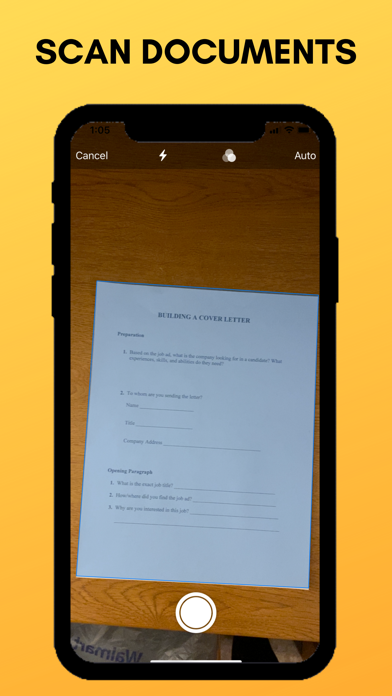
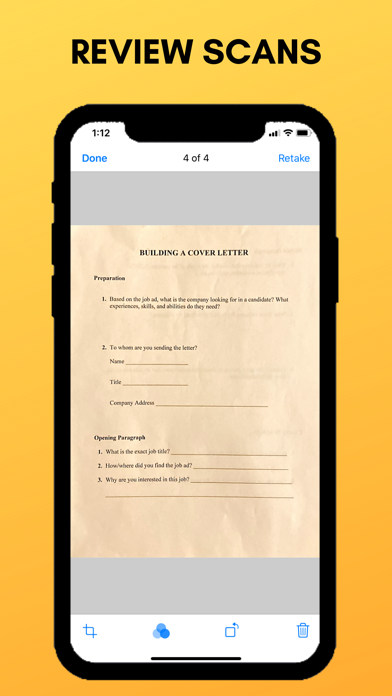
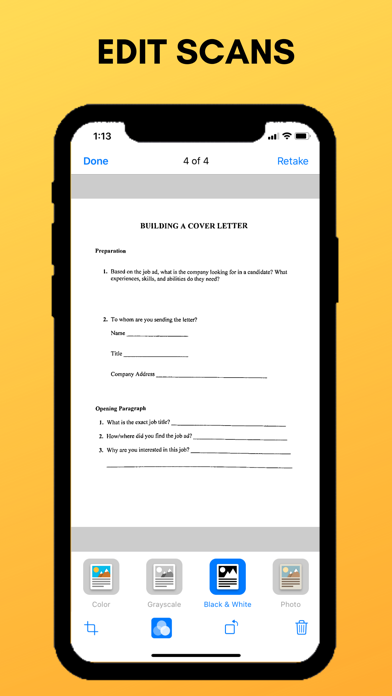
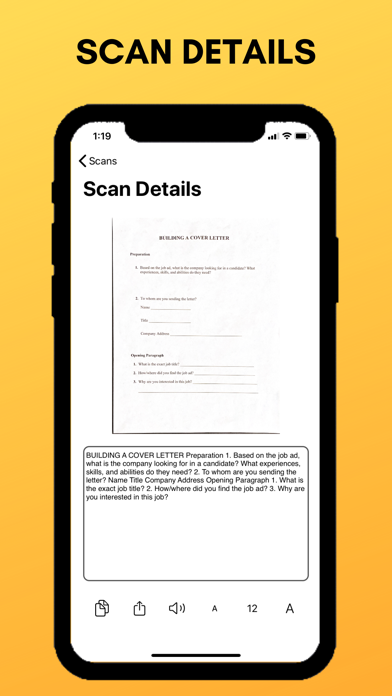
Recognizes in documents and images using OCR. documents with a click and auto-detect pages. Extract and edit with cropping, filtering, and rotation. Copy, share, or export scans as images or PDF.
Text Scanner uses Optical Character Recognition (OCR) technology to recognize text in documents and images.
Features of Text Scanner:
- Scan documents with a click
- iCloud syncing across all your devices
- Auto page-detection while scanning
- Extract text from documents and images
- Edit your scan the way you like - crop, filter, and rotation features
- Copy and share the extracted text
- Export your scans as images or PDF
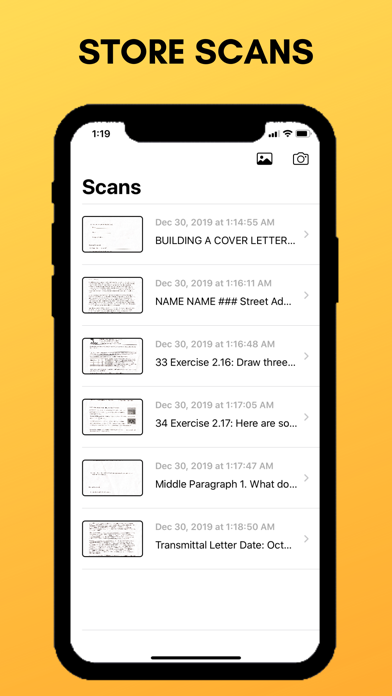
- Store all scans in one place
- Automatically sorted scans
- Scan using your camera or import from photo library
- No internet required
- No ads
Experience the full power of Text Scanner with Text Scanner Pro, an auto-renewing subscription or a lifetime purchase that unlocks all the features in the app, including unlimited saved scans and upgraded limit of 24 scans per request, with all scans seamlessly saved and synced across your devices using iCloud.
Payment will be charged to the account associated with your Apple ID when you confirm your purchase. Your subscription will automatically renew unless you cancel at least 24 hours before the end of the current period. You can manage your subscription anytime by going to your account settings in the App Store after purchase.
Terms of Use - https://www.apple.com/legal/internet-services/itunes/dev/stdeula/
Privacy Policy - https://voicestudio.notion.site/Privacy-Policy-184946b1eaa6807ba92dd95a4eea5f4f