AI-powered design tool offers room design suggestions based on user preferences and space measurements. Provides realistic visualizations of proposed designs. Offers personalized furniture and décor recommendations.
Convert photos to PDF documents by importing from camera, library, or files. Rearrange and rotate images before conversion. Customize PDF quality and paper size options. Export and share the resulting PDF files.
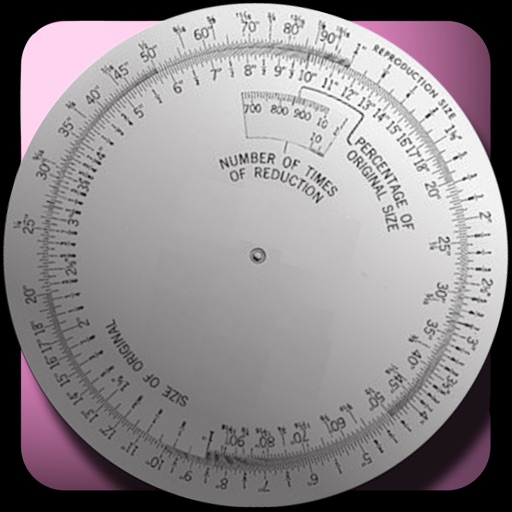
The app calculates new image dimensions while maintaining aspect ratio to prevent distortion. It offers fraction and percent modes, and an image scale tool for precise pixel sizing with a preview.
Convert photos into concepts by selecting styles like modern or boho. Input text prompts to generate ideas. Photograph furniture to find where to buy it. Create and view 3D room layouts. Adjust lighting and color schemes.
The app allows users to create photo slideshows in 3D or cartoon styles. Users can select photos from their gallery, camera, or social networks and add titles with various fonts before rendering the video.
The app transforms an iPhone into a slit-scan camera. It records continuous slices of time, merging them into one flowing image that reveals motion and distortion.
Edit photos by adding holiday with adjustable size, color, spacing, and placement. Apply holiday-themed frames and text overlays. Animate with two timers. Share 10-second videos, animated GIFs, or single-frame photos.
Crop and rotate images using preset or custom aspect ratios. Resize photos with precise dimensions or custom inputs. Process multiple images in batches. Adjust quality for optimal sharing or printing. Export edited files in various formats.
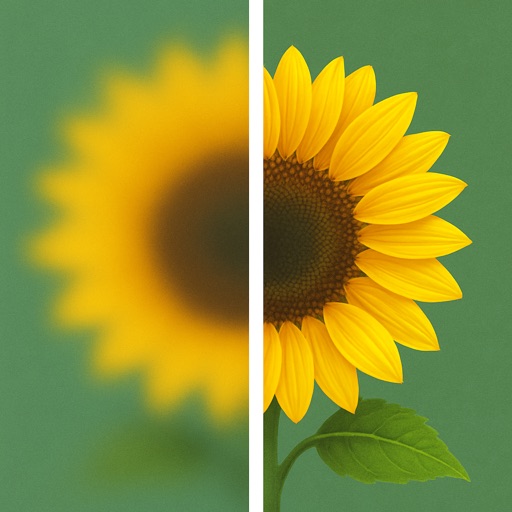
Uses AI to enhance blurry photos. Users can restore out-of-focus images with machine learning algorithms. One-tap processing allows quick restoration. Adjust brightness, contrast, and sharpness manually. Export enhanced photos in various formats.