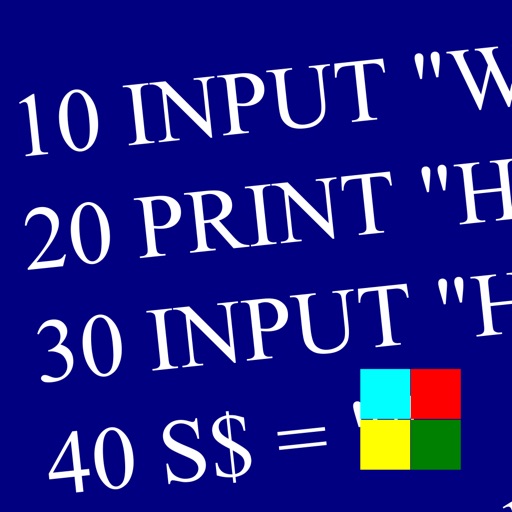
Learn and program language on iOS devices. Enter and run code, use built-in functions, and access help documentation. Save and load programs. Simulate Commodore 64 environment for educational use.
Customize text display with adjustable speed, font size, and background settings. Import and scroll through documents, scripts, or notes. Record and playback voiceovers. Share prompts via cloud or direct links.
A digital with real- , timer, and countdown features. Displays customizable , date, battery level, and seconds. Offers adjustable text color and font. Includes desktop widgets for iOS 14 and on- alarm functionality.
Edit files including TXT, RTF, RTFD, HTML, XML, and markdown. View and modify formatting details like font, size, color, and alignment. Preview HTML and markdown in real time. Access files from device storage or cloud services.
Manage schedules with a clean, user-friendly interface. Add events with color labels and set recurring reminders. Customize widgets for quick access. Scroll vertically or horizontally for easy navigation. Copy or move events with a single tap.
Read, annotate, sign, and convert PDFs. View and fill PDF forms. Share files via email or cloud. Sync with Google Drive, Dropbox, and OneDrive. Edit text and images within PDFs. Combine multiple PDF documents. Create and save PDF files directly.
The app connects to remote servers using SSH or Telnet. It supports username/password or private key authentication, server lists, and iCloud syncing for server information.
Browse the web with a simplified interface that limits tabs to three for better focus. Search directly within the , pin favorite websites, and preview them. Switch between tabs with one tap and keep websites loaded for quick access.
Store and access frequently used text snippets instantly. Tap to copy any entry to your . Organize clips into categories for quick retrieval. Share copied text directly from the .
Create and organize notes with drag-and-drop reordering and swipe-to-delete. Lock notes with a password or biometric authentication. Securely store data with background locking.
Manage files, preview documents, and organize servers
Manage files across multiple servers with support for downloading, renaming, moving, and copying. Preview documents like doc, pdf, and spreadsheets online. Preview videos in mp4, mkv, and avi formats. View images in jpg, png, and gif formats.
Write and execute Ruby scripts with auto-indent, syntax highlighting, and code templates. Run selected text in the built-in browser or text editor. Support file operations for text, PDF, CHM, and MP3. Execute code via keyboard and use gets function.