
iPhone Screenshots
Description
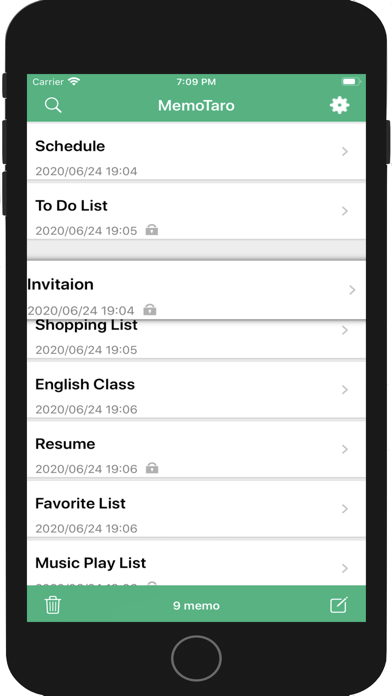
Create and organize notes with drag-and-drop reordering and swipe-to-delete. Lock notes with a password or biometric authentication. Securely store data with background locking.
MemoTaro is a memo app with ease of operation, utility, password lock function.
Compatible with Touch ID / Face ID.
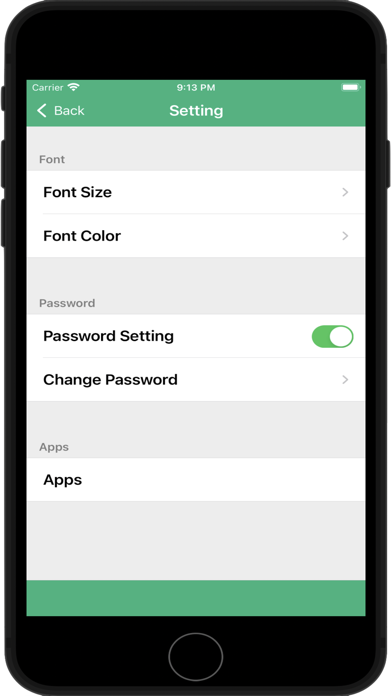
◆ Password lock function:
· Password lock can be selected.
· When lock setting is done, it will be locked when in the background etc so it is safe.
Compatible with Touch ID / Face ID.
◆ Editing function:
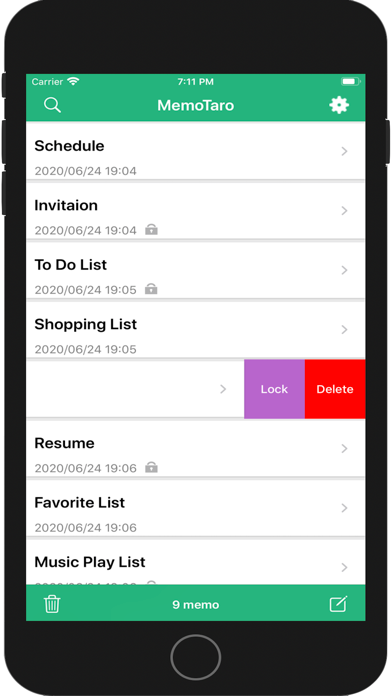
· Movement of memo is possible by drag & drop. Deleting notes can also be done with swipe, and operability is simplified.
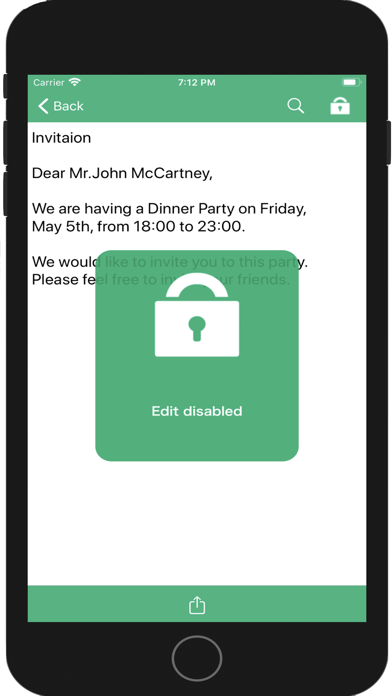
· Because you can lock the edits, if you keep the important memo locked, you can prevent mistakes that you accidentally erase.
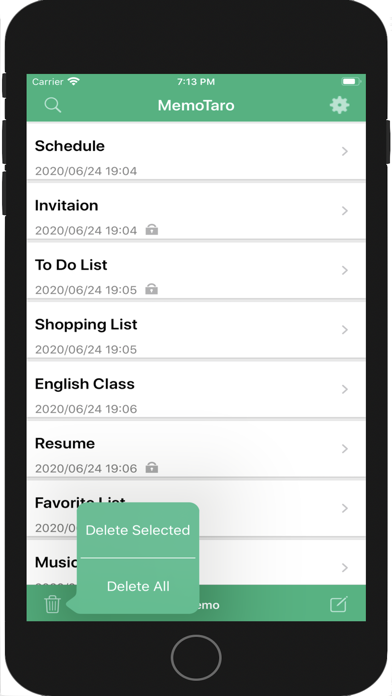
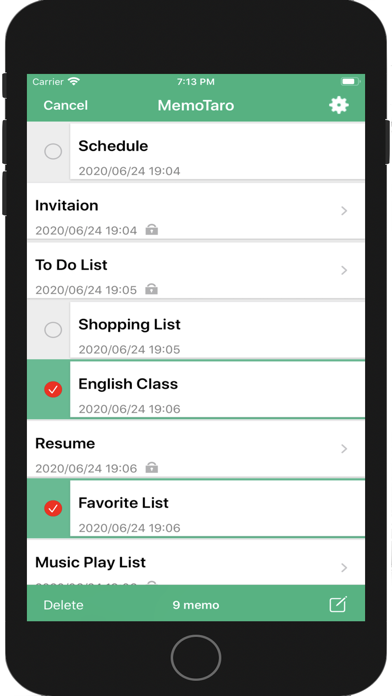
· Selective deletion, all deletion function is also installed
◆ Activity function:
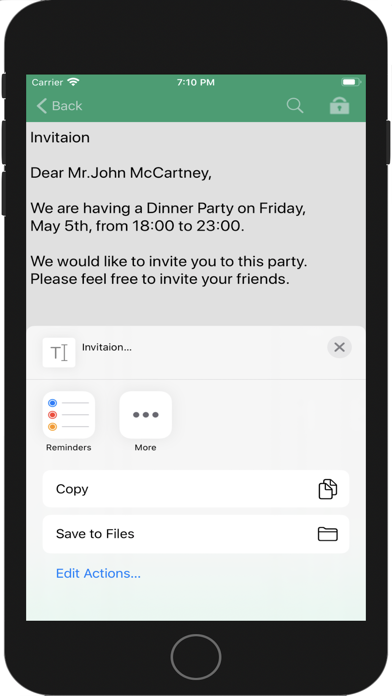
· Functions that can post directly to messages, mail, LINE, Twitter etc.
◆ Search refinement function:
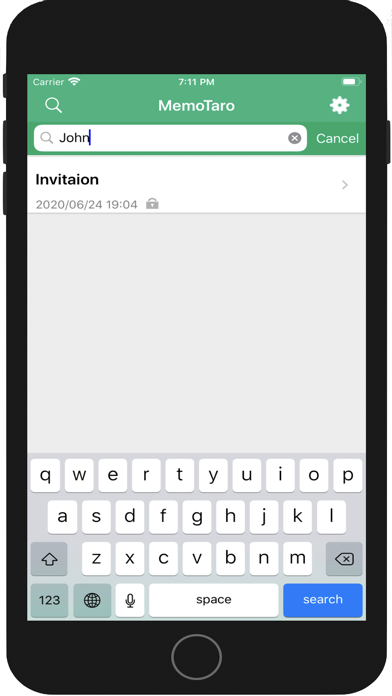
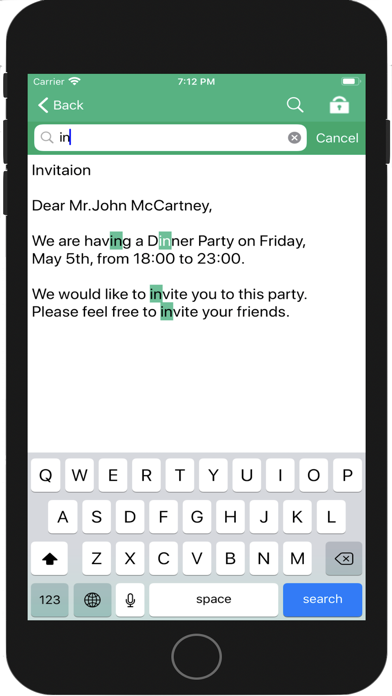
· It is also possible to narrow down the target memo and display it by entering a search word.
◆ Character search function on the edit screen:
・Even if you write a lot of notes, it is easy to find where you wrote it.
◆ Font setting:
The font size and font color (select from black and gray) of the list screen and memo edit screen can be changed.
* The maximum number of characters that can be entered in one memo is 100,000 (6.0 or later).
* When you delete an application, the saved memo data will be deleted.
* If the password becomes unknown, third parties can not invalidate the lock, so please be careful when managing the setting.
◆ Note:
Ads will be hidden if you pay.