A a log of all calculations. Displays input equations and results clearly. Includes backspace function. Allows adjustable keyboard size and number font size. Supports customization of decimal places, font size for , and display format.
Perform basic and scientific calculations with equation display and history tracking. Switch between binary, octal, decimal, and hexadecimal modes. Calculate fractions directly. Use widget for quick computations.
Solve problems with a scientific supporting arithmetic to calculus. Use photo to scan and solve equations. Access an AI homework helper for step-by-step solutions. Perform unit conversions and function calculations.
The app provides a simple and intuitive interface for performing calculations. It supports multiple number systems and includes various conversion tools.
Calculate fractions with addition, subtraction, multiplication, and division. Convert fractions to decimals. Adjust recipe quantities for different serving sizes. Review math problems and convert measurements between cups and teaspoons.
Calculate with scientific precision and enhanced functions
Simulate the HP-45 scientific calculator with photo-realistic visuals and original LED or LCD display. Print calculations, animate keys with sound and feedback, and replicate the calculator's computation times.
The app provides a mobile spreadsheet application for iPhone and iPad. It supports formatting, formulas, and compatibility with major office solutions like Excel and Numbers.
Perform complex calculations with a powerful math core and algebra engine. Display mathematical expressions with proper formatting. Solve equations, graph functions, and convert units. Access scientific, financial, and programming calculators.
Allows users to perform basic and scientific calculations. It supports arithmetic operations, square roots, percentages, and trigonometric functions. Users can edit expressions with a movable cursor and view calculation history.
Perform calculations using a scientific or voice input. Access calculation history by swiping down. Copy and paste values. Switch between light and dark themes. Enable larger buttons for easier use.
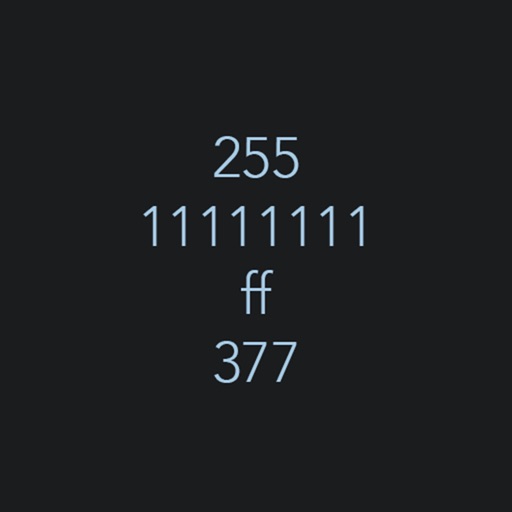
Convert numbers between hexadecimal, decimal, octal, and binary formats. Input a value and select the target format. Display results with clear formatting and support for both integer and fractional values.