Apps Like Remove background - snap edit for iPhone and iPad
Photos, backgrounds, add text and effects
Backgrounds using AI with one tap. photos with effects, blur, and color adjustments. Add text, stickers, and access a weekly updated interface with design themes. Export edited images for e-commerce use.
by Quang Tran★ 4.6152 ratingsGraphics & DesignFreeData updated 2026-09-06
Add watermarks to images, videos, and PDF files using custom text or uploaded logos. Customize positions, opacity, and fonts. Batch-process multiple files without altering originals. Save and share watermarked copies securely.
On , blank canvas, or images using pen, line, arrow, and shape tools. Edit photos with filters, adjustments, effects, and cropping. Customize tool size and opacity. Add text, stickers, and emotions. Export drawings in various formats.
Create rounded images from photos or gallery selections. Adjust borders and colors for polished results. Save and share rounded images for social media platforms including Instagram, Facebook, YouTube, TikTok, X, WhatsApp, Snapchat, and Pinterest.
Scan and convert documents to PDF with auto-crop and OCR for fast, accurate results. PDFs by adding, removing, or rotating pages. Sync files across devices and manage multiple accounts. Use smart renaming suggestions and text detection features.
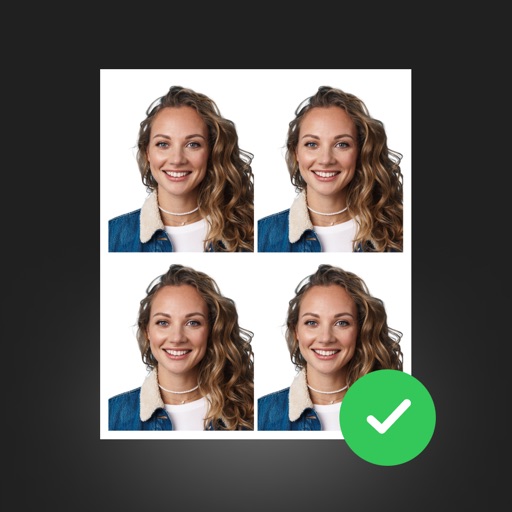
Create professional ID photos with AI tools. Automatically detect faces and remove backgrounds. Resize and crop portraits to fit official sizes. Support multiple countries' requirements. Generate printable -sized images for children and adults.
Edit photos with AI , 30+ lipstick color options, and skin smoothing tools. Remove blemishes, adjust brightness, and apply natural makeup effects. Save and share edited images directly.
Unwanted objects, , or text from photos using AI. Select areas to and fill in naturally. Preserve details and textures for clean, polished images. Share or sell edited photos directly.
Mark up photos and PDFs with , highlight, underline, strike through, blur, pixelate, erase, draw, and sign tools. Apply line and word-based markups for precise editing. Use suggested to identify and remove sensitive information.
Remove backgrounds from photos using AI-powered automatic detection. Manually adjust removal for precision. Use the lasso tool to select and remove specific areas. Export edited images in various formats.
Apply lo-fi and retro filters to photos and videos. Choose from instant camera, hipster, disposable, and styles. Add grain, vignette, dust, and light leaks. Customize color filters and presets. Save and share edited content.
Create and Instagram carousels with customizable templates and drag-and-drop editing. Add text, stickers, and filters. Export and share directly to social media. Adjust layout for seamless swipe-through viewing.
Combine GIFs to create animations with multiple clips. Add photos, videos, and music visualizers. Include stickers and text. Export and share finished projects. Edit frames and adjust timing for custom animations.