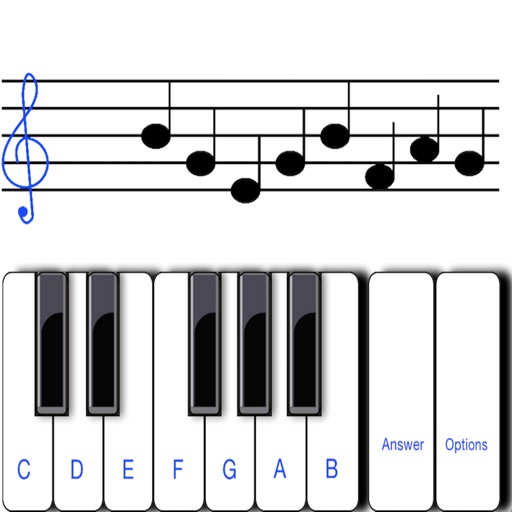
To notes in G and F clefs. Practice notes above and below the staff across six octaves. Randomly generated notes apply to any instrument. Switch clefs for varied practice. Receive feedback on missed notes. Set pace and limit octaves for beginners.
Edit audio with pitch shifting, formant control, and tone adjustments. Create harmonies and doubles with up to 12 . Transpose individual by an octave or flatten to a chosen pitch. Adjust width and placement for vocal effects.
Learn , , and songs through interactive exercises and games. Practice finger positioning for proper technique. Create chord progressions and improvise with backing tracks and a metronome. Record and save performances.
Tune instruments with adjustable A4 frequency settings and precise 10-cent tuning increments. Display pitch accuracy with a green arrow and white indicator.
Learn to play the Guzheng with detailed tutorials on right-hand techniques like pluck, gliss, tremolo, and automatic tremolo. Practice left-hand techniques including vibrato, slides, and embellishments.
Catalog and organize chord charts and lyrics. Import from online sources or create new charts. Sync across devices via iCloud. Build and share setlists. Transpose, capo, or rewrite chords. Use with metronome, autoscroll, and chord buttons.
Generate chords from a single MIDI note using scale and tonality options. Automate progressions with customizable patterns. Export MIDI files and integrate with DAWs for music production. Adjust voicings and inversion settings.