Edit photos with and subject focus tools. Adjust intensity manually or automatically. Remove unwanted objects from the . Apply filters and make color adjustments. Save and share edited images directly.
Photos with one-tap AI enhancement for vibrant colors. Preview edits in real-time. Swap backgrounds with two taps. Use over 20 pro tools including filters, frames, and stickers. Crop and paste objects onto any backdrop quickly.
Upload and edit photos with options to choose format, color, and gradient colors. Add multiple images and post full-size photos to Instagram without cropping. No watermark included.
Remove backgrounds from photos using AI. Create personalized pet portraits and funny avatars. Generate AI-powered videos from images. Upload photos and apply pre-designed templates. Edit and enhance images with filters and effects.
The app provides manual controls for focus, exposure, and white balance, allowing for more complex photographic and video results. These adjustments can be applied to both photos and videos, offering greater creative flexibility.
Apply real-time or post-processing effects like VHS, , CRT, and chromatic distortion to photos and videos. Adjust flickering overlays and vintage shaders. Export edited content in various formats and share directly.
Capture photos and videos with customizable PIP frames. Apply foreground filters and background effects like blur, zoom, and comics. Add motion effects such as fire and snow. Create PIP videos or GIFs and share directly.
Take photos or select from gallery. Apply beauty filters and edit selfies. Use over 240 filters and 800+ stickers. Crop photos and adjust sizes. Edit photos with built-in effects and blending tools.
Take photos with single-tap effects and professionally designed filters. Adjust brightness and contrast. Apply blur and focus. Rotate and crop images. Export edited photos in various formats.
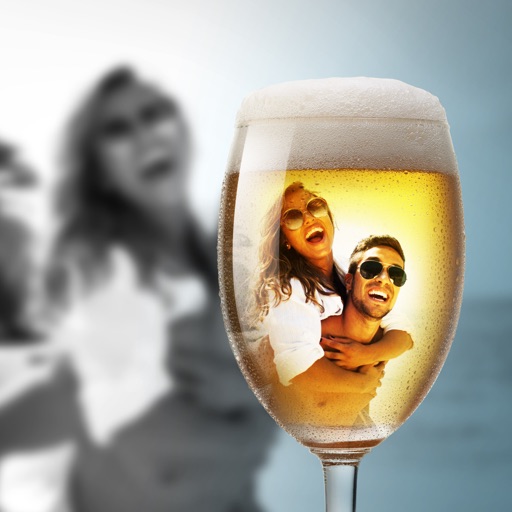
Background of photos with adjustable effects. Remove unwanted objects or faces. Edit photos with enhancer tools. Unblur accidentally blurred sections. Access a large catalog of effects.
Create 3D effects by moving the phone to capture multiple angles of a subject. Apply filters and effects to enhance the image. Add customizable background blur to simulate professional camera quality. Export videos without watermarks.