And create sketches using brushes, pens, and pencils. Build layered artwork with zoom for fine details. Import and export vector images in PDF, PNG, and JPEG. Save as transparent PNG. Supports Apple Pencil for precise drawing.
The app supports iPhone and iPad, allowing users to move paintings between devices and continue working. It offers unlimited undo and redo, dimensions up to 2048x2048, and background autosave.
The app provides tools for children to create art using templates or a blank canvas. It allows users to draw on personal images, encouraging creative thinking through simplicity.
Create 3D models by drawing, sculpting, and shaping in immersive space. Use brushes, erasers, and shapes for detailed design. Apply materials with customizable textures and colors. Transform objects by rotating, scaling, and moving.
Track reading progress by marking completed chapters and highlighting partially read books. View completed chapters and books at a glance. Create and customize multiple trackers for different purposes.
Create kaleidoscope patterns by swiping fingers across the screen. Adjust the number of lines and line color. Use multi-touch for advanced control. Save generated artwork to the device's Camera Roll.
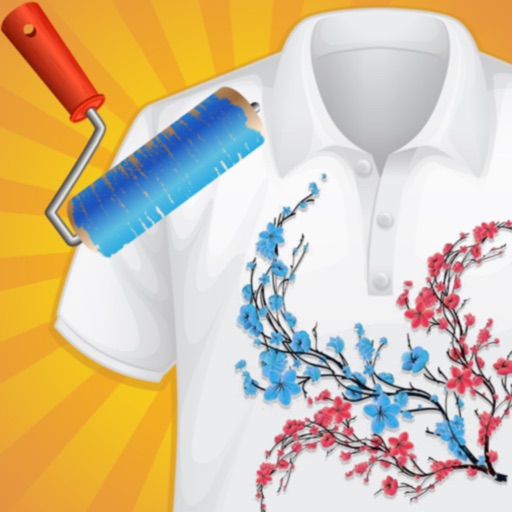
Create custom -shirts by selecting and applying colors to designs. Draw on shirt templates to personalize artwork. Save and share finished designs. Explore various tie-dye patterns and color combinations.
Track upcoming events with customizable timers. Set reminders for birthdays, holidays, sports events, and movie releases. View details, receive notifications, and mark events as completed. Sync across devices and share updates with contacts.