Take photos with high-resolution settings. Apply 40 free filters, including a popular pink filter. Edit images with color adjustments and effects. Add creative accents to photos. Share edited photos directly from the .
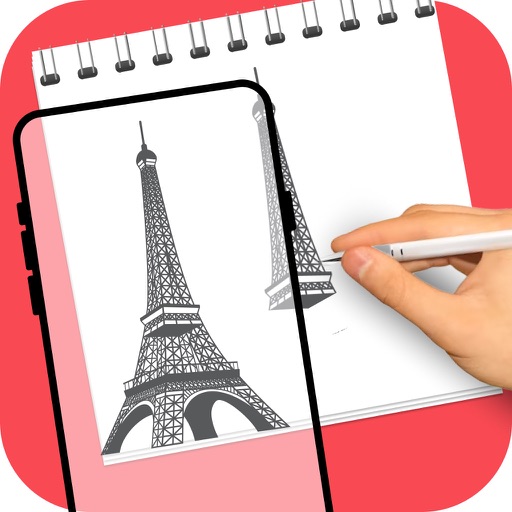
Use phone camera to project anime-style templates onto paper or surfaces. Trace outlines to create art. Adjust lines and colors. Export drawings in various formats. Sync with digital tools for further editing.
Create comic strips using AI-generated art or manual drawing tools. Choose from various comic styles like anime, manga, webtoon, and pop art. Sketch and convert drawings into high-quality images.
The app allows users to draw anything using a grid. Users can select any area of an image, choose different grid types, and adjust grid size, color, and thickness.
Turn photos into sketches, oil paintings, and watercolor with style transfer. Apply filters to enhance visuals. Export edited images in various formats and share directly.
Use augmented reality to draw on any surface. Trace outlines, adjust colors, and add textures. Save and share drawings. Access tutorials for beginners. Export in various formats.
Edit photos with effect and features. backgrounds and apply black-and-white conversion. Select areas for contrast. Zoom with two-finger pinching. Adjust brush size, opacity, and offset. Export edited images.
Create drawings using AR tools, trace real-world objects in real-time, and convert photos into sketches. Access a library of templates for design projects. Share artwork directly from the .
Edit photos and videos to apply effects. Adjust hue, saturation, brightness, contrast, exposure, and other parameters. Use smart sharpening filters to enhance image quality. Convert old photos to style. Export edited content in various formats.
Convert HEIC, , and PNG images to or PNG formats. Maintain original quality. Use an easy-to-use interface to select and convert files. Save and share converted images directly.
Create and share digital art customizable brushes, unlimited colors, and layer support. Zoom, pan, and adjust brush parameters. Rotate, mirror, and undo steps. Participate in challenges like tracing or completing others' drawings.
Arthur Eduardo Skaetta Alvarez Desenvolvimento de Software LTDA.
With one touch
Using AI to add color to black and white images. Import from camera or photo library. Adjust color intensity with a slider. Save or share the edited image.