Reference "Access detailed astronomical data and star maps. Plan observations and track celestial events. Control telescopes and cameras remotely. Customize UI themes and view high-resolution sky charts."
Create art with a wax simulator that mimics real-life drawing. Adjust stroke size based on finger contact area for precise control. Draw thin lines with fingertips or broad strokes with full finger pressure.
Create color palettes from photos using automatic or manual mode. Save palettes in Adobe .aco format for use in Photoshop. Export palettes as images or share via social media.
Customize iPhone home screen with pre-made collections and 500+ icons in styles like Minimalistic, Light, and Dark. Create custom icons, adjust designs, and add shortcuts to apps. Replace default icons and organize home screen layouts.
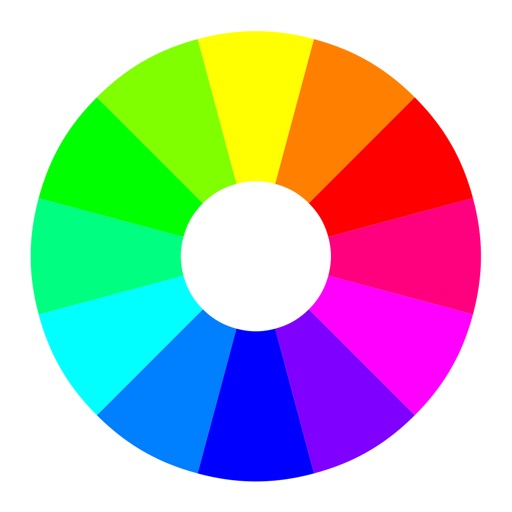
Select a starting color using the color wheel. Find matching paints from various manufacturers. Discover complementary color options. Save and share schemes for wargaming.
Draw and paint using glowing colors. Use photos as backgrounds or create from scratch. Save artwork to camera roll. Share via email, message, Facebook, or Twitter. Access multiple undo levels. Learn color theory through interactive features.