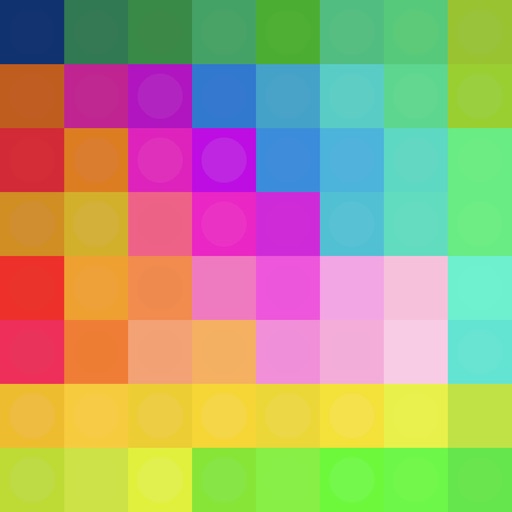
Create color schemes using gradients, traditional Chinese and Japanese , iOS system , and Material Color. Explore future features for additional tools. Share feedback for improvements. Rate and recommend the .
Nd save daily color palettes based on algorithms. Customize palette generation settings. Create discrete or smooth palettes with adjustable quality. Export palettes as PNG images. Support sRGB and Display P3 color spaces.
Capture room images to instantly visualize changes. Choose from diverse styles and customize layouts. Adjust colors, furniture placement, and lighting. Export designs for real-world implementation.
Create art using a continuous for each color. Select an image, choose thread colors and nail count. The generates a step-by-step guide. Customize canvas color and up to 10 thread colors. Adjust circle diameter and thread width for realistic results.
Create abstract art by drawing shapes that auto-connect and fill with random procedural patterns. Use Auto Draw to generate unique compositions in real time. Watch animations transform your artwork into kaleidoscopic designs.
Create pixel art with automatic double pixel removal for precise line art. Use round, square, and matrix dither brushes. Draw lines locked to isometric angles. Create rectangles and ellipses. Manage layers for animated projects.
Access CSS properties, pseudo-classes, and pseudo-elements with syntax, values, and usage notes. Edit and view sample HTML and CSS code in a built-in browser.
The app offers 830 questions and 83 revision notes covering geometry topics. Users can review by topic, take mock tests, and receive instant feedback with explanations.
The app allows users to view and manage various document formats. The app supports multiple file types and offers customization options for viewing and organizing documents.