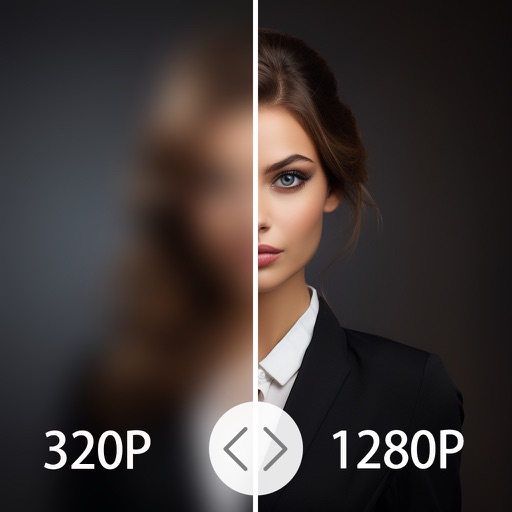
4x enhances image resolution by 200%, 400%, or 800%. It restores low-resolution faces using Face AI technology. It preserves details while enlarging images. Users can upload photos and apply restoration features.
Edit photos with AI-powered clarity enhancement, blur reduction, and detail sharpening. Restore old images by removing scratches and colorizing faded areas. rtistic variations with different styles and filters.
Edit photos with one tap for HD clarity and natural beauty. Unblur faces and details, enhance multiple photos in batch, fix lighting and color, upscale images, reduce noise, and increase sharpness without over-editing.
To reduce file size using a slider for manual adjustment. Maintain quality during compression. No internet required; all processing occurs locally on the device. Save space and prepare for sharing without uploads.
Edit photos to remove noise, sharpen blur, and enlarge details. Process images using AI for enhanced quality. No cloud uploads for secure storage. Processing time varies based on file size.
The app allows users to adjust image sizes by importing from the photo library, camera, or clipboard. It helps users correct image sizes for design projects and preview pixelation at different scales.
Compress videos to storage . Adjust compression ratio or customize resolution, bitrate, and frame rate. Batch compress multiple videos. Split videos into shorter clips. Trim, crop, and compress photos. Clean up album videos to free up .
Arthur Eduardo Skaetta Alvarez Desenvolvimento de Software LTDA.
Videos to MP4 and export results
Video files to MP4 format and export the result. Choose quality settings to adjust file size and image quality. Process videos locally on your device without uploading data to a server.
Export Photos as GIF, , or still images. Customize GIF settings including resolution and frame rate. Batch export multiple Photos with consistent settings. Limit GIF file size for social media. Export single frames from Photos.