Create custom with 4K and HD game-inspired designs. Access daily new for variety. Switch between dark and light modes. Save, share, and favorite . Enjoy a clean interface with smooth navigation.
by Adam Majd★ 4.61,904 ratingsGraphics & DesignFreeData updated 2026-09-06
Customize home screen with , , and charging animations. View calendar and clock for time and dates. Display favorite photos as desktop images. Add notes for reminders and schedule planning.
Wallcraft Wallpaper allows users to customize their iPhone with high-quality 4K , live backgrounds, and HD themes. Users can browse categories like minimal designs, nature scenes, and anime art.
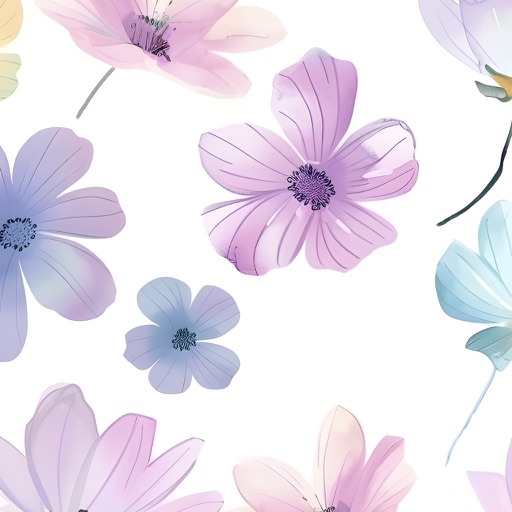
Browse and download high-quality organized into categories like illustrations, flowers, patterns, lifestyle, animals, and nature. Search for popular or unique designs. Set as home screen or lock screen. Receive regular updates with new .
Transform photos into blurry wallpapers for Home or Lock screens. Drag images horizontally to adjust the crop. Use bright, colorful photos for results. Shake to get new images. Save preferred blurriness and access saved images in the Photos .
Download True HD in ultra high definition. Categorized are available for easy browsing. Save to your device for personal use. Customized fit specific screen sizes. Share selected on Twitter or Facebook.
Set as lock screen images. Save selected wallpaper and apply it to the lock screen. Tap the lock screen to activate the wallpaper effect. Works on 6s, 6s Plus, 11, and 12 Plus.