
Live Wallpapers for iPhone №1
Save and set as lock screen
Ivan Beschetnikov
iPhone Screenshots



Description
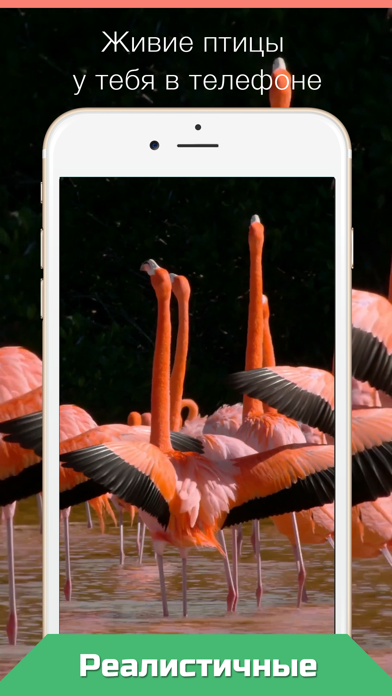
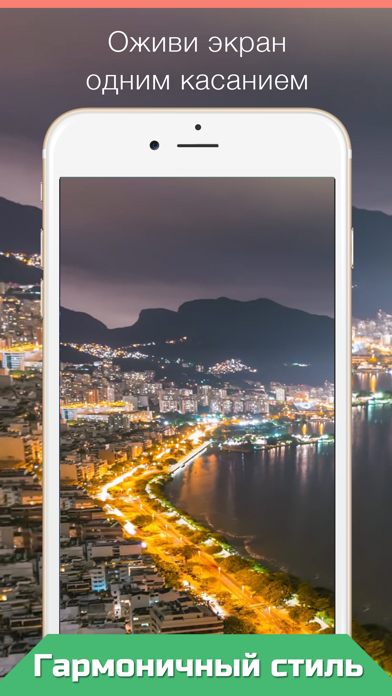
Set as lock screen images. Save selected wallpaper and apply it to the lock screen. Tap the lock screen to activate the wallpaper effect. Works on 6s, 6s Plus, 11, and 12 Plus.
Press your Lock Screen to let the magic happen!
Live Wallpapers for your iPhone 12!
• Choose live wallpaper (touch your screen) and press Save icon.
• Set the Live wallpaper you selected as your "Lock Screen wallpaper"
• Press your Lock Screen to let the magic happen!
1. Save live wallpaper.
2. Set the wallpaper you selected as your Lock Screen wallpaper.
3. Touch your Lock Screen!
Only for iPhone 6s and 6s Plus, iPhone11 and 12 Plus.
Please note that you can’t use Live wallpapers if you are using the "Low Power Mode".