Edit images with text, annotations, and shapes. Adjust backgrounds using solid colors, gradients, or blur. Resize, crop, and add borders or shadows. Highlight details or blur sensitive areas. Apply styling effects and export edited images.
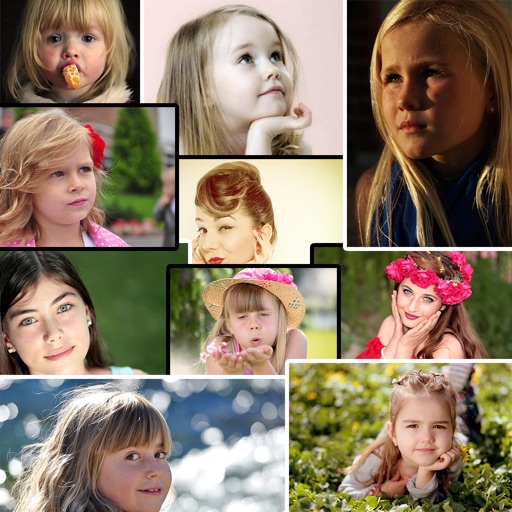
Create collages by adding photos from the library or camera. Choose from multiple frames like heart, round, and star. Adjust photos by moving, pinching, and rotating. Select different backgrounds or use a photo as the background.
Create a visual goal board using customizable templates with multiple photo areas and collage designs. Add images, text, and organize content to reflect personal aspirations. Save and share boards to track progress and stay motivated.
Edit photos with high-quality resolution and advanced filters. Adjust brightness, contrast, and saturation. Add text overlays and stickers. Crop and rotate images. Export in various formats and share directly.
The app transforms selected photos into creative collages. Users can arrange photos on a canvas, adjust layouts, and customize individual pictures by moving or zooming.
Design recommendations and collages with customizable layouts and text. Add covers from a large library without searching online. Share creations directly to social media platforms.
Edit photos with AI cartoon filters, -to-sketch conversion, and mosaic art creation. Remove backgrounds, add drip art, and create collages. Save and share edited images directly.
Create visually appealing social media content with customizable and design tools. Add text, images, and effects to stories and posts. Export and share directly to social platforms.
The app provides layouts, backgrounds, and frames for designing photo collages. Users can select templates, upload photos, and adjust them with effects, resizing, or rotation.