Create collages by selecting photos and applying various . Choose from different frame styles to customize the layout. Adjust image positions and sizes. Save and share the final .
Add to and videos with customizable fonts, sizes, and colors. Adjust shadow and background. Apply curved, bent, or gradient effects. Choose from 20,000+ background images. Trim videos and add to video clips.
Edit photos with filters, cropping, and adjustment tools. Create collages using templates, grids, and layouts. Add text, stickers, and . Share edited photos directly.
Edit photos with filters, contrast, brightness, and color adjustments. Add text, stickers, and drawing tools. Customize images and landscapes. Export in high quality. Access a free image library. Apply advanced editing features.
Create panoramic posts and stories by combining photos and videos across multiple frames. Use customizable templates or design freely on a canvas. Support 1:1, 4:5, and 9:16 aspect ratios for feeds and stories.
Create -themed collages using 100+ available frames. Add text with customizable fonts and colors. Adjust opacity and rotate images. Select photos from gallery or camera. Apply effects to enhance visuals.
Create aesthetic Instagram carousels, collages, and Reels covers. Design multi-slide posts with aligned elements and preview swipe effects. Customize layouts from minimal to layered. Add text, stickers, and filters.
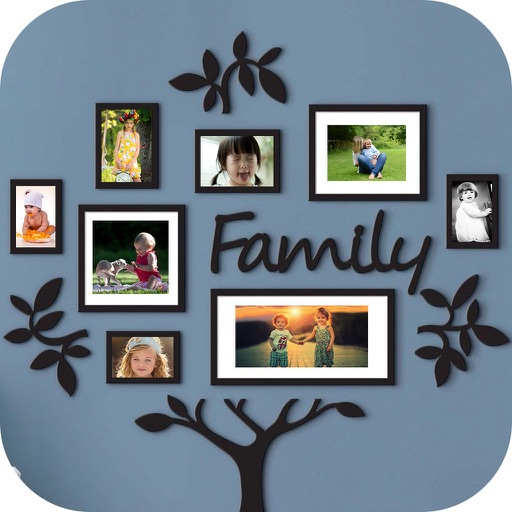
Create collages by combining photos into -shaped frames. Apply filters and adjust colors. Share collages directly or save in various formats. Organize memories in a single album.
Edit photos with filters, cropping, and brightness adjustments. Create collages using customizable templates. Add stickers, text, and drawings. Design storybooks with pages and layouts. Share edited content directly to social media.
The app arranges photos, animated GIFs, Live Photos, and videos into justified layouts. Users can reshape collages, reorder media, customize borders, and edit photos before sharing or saving.
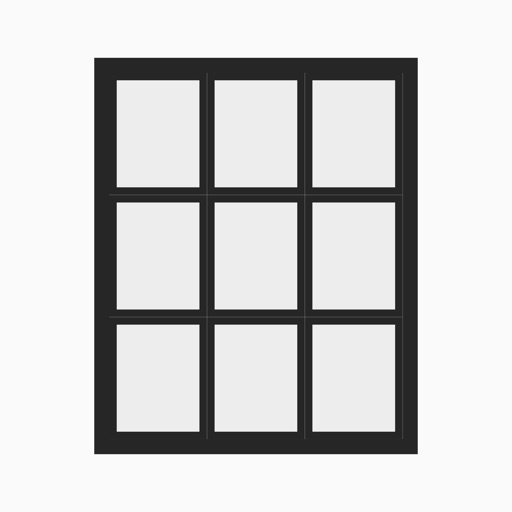
Create collages using 9 photos. Tap frames to insert images from the photo library. Resize, reposition, and crop photos within each frame. Preview the in full size and save it to the photo library.
Create live wallpapers using free templates and customize with stickers. Take photos with a photo booth featuring fun stickers. Edit images with AI tools and templates. Share creations directly from the .
Edit videos by trimming, rotating, scaling, and flipping clips. Select frames and overlays to enhance visuals. Export full-size videos for Instagram and other platforms. Adjust orientation to match social media requirements.