Create digital art or doodles on photos with advanced painting tools like 3D-Shaded , Halo , Plasma Chain , and Translucent . Use Lighten and Darken tools to add depth. Adjust stroke size based on finger pressure. Export artwork in various formats.
by Norbyte★ 4.6132 ratingsGraphics & DesignFreeData updated 2026-09-08
Create and publish crypto art using +. Add text effects and fonts. Import images from gallery or use 5000+ assets. Edit with filters and draw with brush tools. Save NFT as image, video, or GIF. Publish to blockchain for sale.
Create art using biological simulations and reaction-diffusion patterns. Apply 40+ presets to generate natural-looking designs. Manipulate parameters to adjust patterns dynamically. Export artwork in various formats.
Edit photos to create intense or soft atmospheres with adjustable settings. Select specific areas for coloring. Use zooming, brush size, and style tools for detailed modifications. Import photos from iPhone/iPod photo album.
Create pixel art sprites with drawing tools and a powerful engine. Open and edit pixel art files from Files. Use iCloud Drive for cloud storage. Support Apple for precise input. Import and customize color palettes.
Download for to enhance illustrations. Access free and weekly new content. Use textures, fonts, stickers, and 3D models created by professional artists. Export and share artwork directly.
The app transforms photos into colorful works of art using photo editing and freeform mosaic painting. Users can apply HDR effects and color accents with over 43 handcrafted brushes.
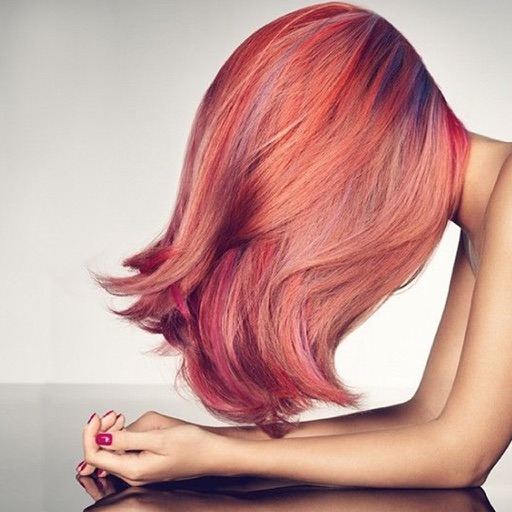
Change in photos by selecting multiple shades and applying them to strands. Brush to highlight sections. Save edited images to gallery or email to friends.
Children can color and draw using a variety of tools and color options. Features include creative drawing, fine motor skill development, and interactive elements to encourage imagination. The functions offline without WiFi and includes no ads.