The app allows users to combine selected pictures into one. It offers various picture arrangement styles, templates, border styles, and the ability to add text.
by 锋 卿★ 0.00 ratingsPhoto & VideoFreeData updated 2026-10-13
Annotate images with tools like arrow, rectangle, circle, text, and magnifier. Import photos from library, camera, or map. Export with custom sizes and share. Customize colors, undo changes, and manage layers. Crop images and save history sessions.
Shop unique framed prints, phone cases, t-shirts, and leggings from artists and influencers. Upload and sell your photos for free. Follow artists to purchase their work as custom products.
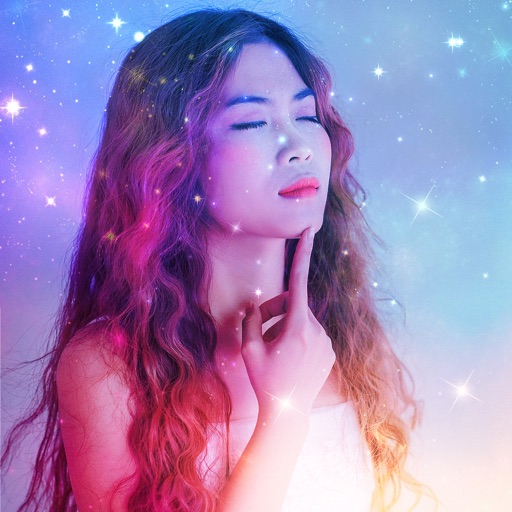
Edit photos with AI filters that alter the background and environment while preserving the face. Create fantasy scenes or different styles instantly. Add text and stickers to images. Export and share edited photos in various formats.
Remove backgrounds from images by drawing a closed curve. Automatically erase similar color areas for transparent results. Adjust brush size for precise edits. Pan, zoom, and rotate images.
RAY INFORMATICS YAZILIM TEKNOLOJI MEDYA DANISMANLIK VE EGITIM TICARET LIMITED SIRKETI
, , and edit photos
Convert printed photos to digital format by scanning and colorizing them. Apply various templates and filters to enhance images. Save and share the edited photos directly.
Create collages by adding to photos or videos. Choose canvas size and color. Customize with font, size, border, color, gradient, stroke, and shadow. Add stickers or GIFs. Save projects for reuse. Access 300+ fonts for multiple languages.
Memes using a large collection of templates. Search for templates by popularity, relevance, date, or usage. Add text, images, and labels. Save memes to a list for future editing. Undo and redo changes during creation.
Create rounded images from photos or gallery selections. Adjust borders and colors for polished results. Save and share rounded images for social media platforms including Instagram, Facebook, YouTube, TikTok, X, WhatsApp, Snapchat, and Pinterest.
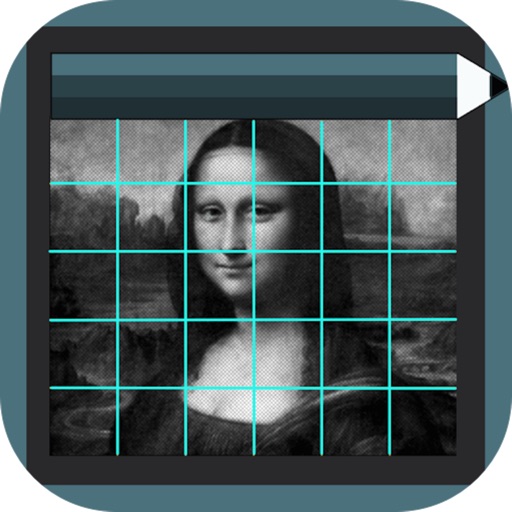
Use the to capture or select a reference image for painting. Adjust the canvas size to match the chosen window. Access grid options like the golden ratio or use no grid.
Resize and crop images for specific dimensions and resolutions. Adjust colors and metadata accurately. Batch process multiple files with customizable workflows. Export in various formats for social media, printing, or projects.
Create and edit images with AI-generated effects and styles. Transform photos into artistic visuals with customizable templates. Share edited images directly to social media. Adjust colors, lighting, and effects for professional-quality results.
Create and customize grids on images for drawing and painting. Place grids over photos to use as reference. Adjust size and spacing. Export layers for use in digital art tools.
Edit videos with trimming, splitting, rotating, flipping, reversing, deleting, and duplicating clips. Merge videos, photos, and live photos. Reorder clips as needed.
Create detailed artwork with realistic brushes and watercolor effects. Scale canvas up to 64 times with precise grid and pixel-level accuracy. Use over 80 brushes, erasers, smearing tools, rulers, cutters, fill tools, and color pickers.
Customize profile pictures for Instagram, LinkedIn, WhatsApp, Facebook, and other social networks. Add images, select color and width, adjust inset, and add custom badges. Export edited images for use across platforms.
Select photos from phone or tablet to print on . Choose from 12x12 square or landscape/portrait sizes. Print at Walgreens. Share from Instagram, Facebook, Flickr, Google Photos, or Dropbox.