The app offers pitch detection for scale training, allowing users to master scales with instant feedback on intonation. It includes a piano and metronome, with additional scale packages and a visualization function available for download.
by Hans Toft-Olsen★ 0.00 ratingsMusicFreeData updated 2026-10-13
Practice identifying , , and intervals through interactive exercises. Train ear to recognize melodies and chord progressions. Play accompaniment on guitar or piano. Track progress with built-in exercises and scales.
Explore and scales with a dictionary featuring user libraries and reverse mode. Search by keys or MIDI input. Build chord progressions with common patterns. Use the circle of 5ths for navigation.
Provides chord charts and a chord selector for guitarists. It includes all 28 modes with visual representations of each mode’s unique shape. Users can explore and modes for practice and reference.
Learn intervals, scales, chords, and cadences through audio playback. Practice recognition with melodic or harmonic patterns. Set personal goals and track progress over time. Receive instant feedback on accuracy.
Tune instruments with a chromatic scale and visual feedback. Adjust pitch with fine and coarse tuning controls. Practice intonation with a consistent display. Generate tones for droning. Quick mode for fast tuning confirmation.
Create and save progressions with visual feedback. Trigger chords via MIDI footswitch. Sync progressions with other apps. Learn relationships and scales. Play chords on an on-screen piano keyboard. Use pads to organize and access saved chords.
Practice+ offers tuning, , recording, setlist, and loop modes for musicians. Users can control the with a visible bar. Features include simultaneous mode usage, audio recording, and setlist management for practice and performance.
Learn guitar notes with interactive educational games. Practice musical ear training, study over 500 chords across the , and explore scales in various positions. Customize tuning and select modes for focused practice.
Learn music theory with a visual . Explore relationships between major, minor, and diminished keys. View key signatures and triads. Play or mute chords and arpeggios. Lock the for reference.
Visualize pitch and intonation as a trace on the screen. Compare singing or playing instruments to reference tones on a piano keyboard. Track pitch accuracy, slides, and scoops in real time. Used for vocal training and instrument tuning.
Play the oud instrument with realistic acoustic sound. Access scales and notes for practice. Record and share music on social media. Use a piano interface with oud sounds. Manage audio files and engage with interactive features.
Create progressions and loop them in sync with other apps. Trigger chords via MIDI footswitch. Explore music theory and harmonies. Save and share progressions. Sync with Apple Health.
Learn notes, key signatures, and intervals through interactive exercises. Practice ear training with pitch matching and interval identification. Track progress with detailed reports and customize sessions for individual learning needs.
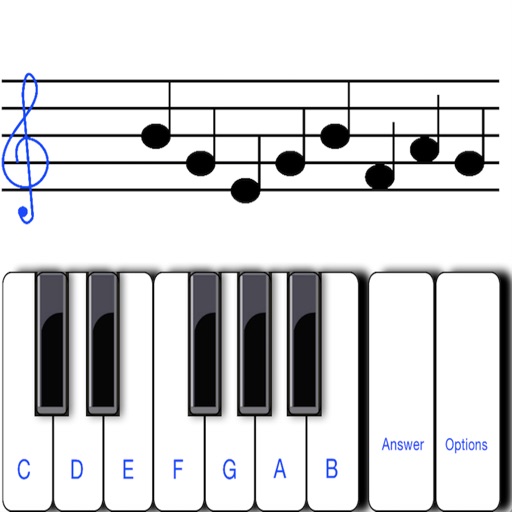
To sight notes in G and F clefs. Practice notes across six octaves, including those above and below the staff. Randomly generated notes apply to any instrument. Switch clefs for varied practice. Beginners can limit octaves and set their pace.