Apps Like Sepia Shine Pro: filter effect for iPhone and iPad
Turn photos into warm sepia tones.
The app applies a sepia filter to photos, giving them a warm, yellow-brown tone. Users can adjust saturation and brightness, save multiple images, and share their creations on social media or via email.
by Alexander Dr. Rieger★ 3.52 ratingsPhoto & Video$1.99Data updated 2026-10-13
Take photos with real-time animated effects in the camera preview. Choose from 18 animated effects to enhance images. Save photos as static JPEGs or purchase an in- option to save animations. Share edited photos directly.
Send personalized messages with customizable quotes and wishes. Include beautiful images and greetings. Share ecards via email or social media. View and send messages instantly.
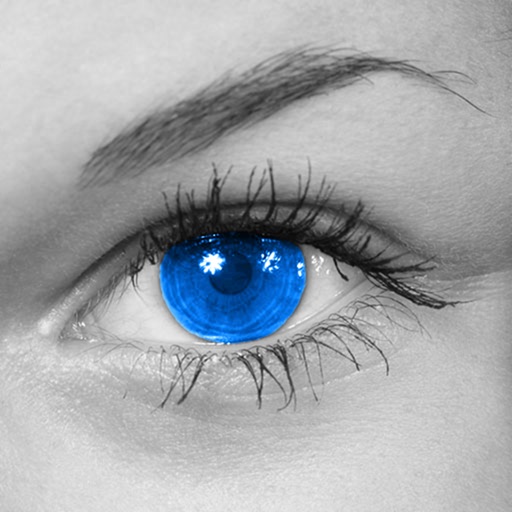
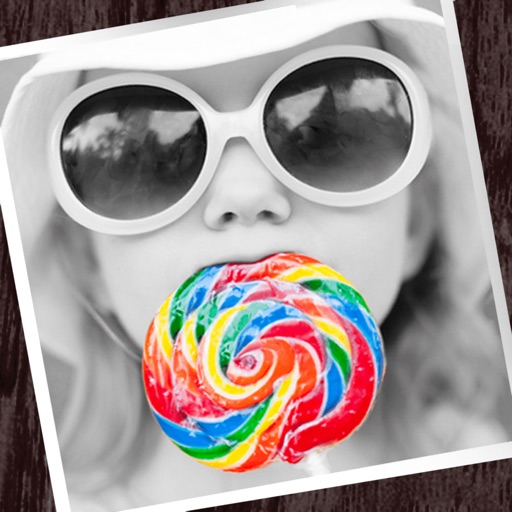
The app converts photos to grayscale while allowing users to selectively recolor areas. Users can paint, zoom, and erase to create color splash images.
Edit photos with filters, cropping, and brightness adjustments. Add text, stickers, and borders. Export in high resolution and share directly. Apply artistic effects and adjust color balance. Save edits in various formats.
Edit photos with multiple filters like grayscale, sepia, vivid, high contrast, soft, warm, and cool tones. Adjust intensity for desired effects. Fine-tune brightness, contrast, saturation, and sharpness.
Edit photos with background removal, image enhancement, and adjustment tools. Add text, stickers, and filters. Export in multiple formats and share directly.
Create artistic images with single-tap camera effects and professionally designed filters. Adjust brightness, contrast, and tone curve. Blur and focus images. Rotate, crop, and resize photos. Add text and fun stickers.
The app converts photos to grayscale while allowing users to selectively recolor portions of the image. Users can paint, zoom, and erase to create unique color splash effects and share their creations.
The app allows users to apply monochrome filters and effects to specific parts of an image by rubbing with a finger. Users can also reduce or enlarge images using a pinch gesture.