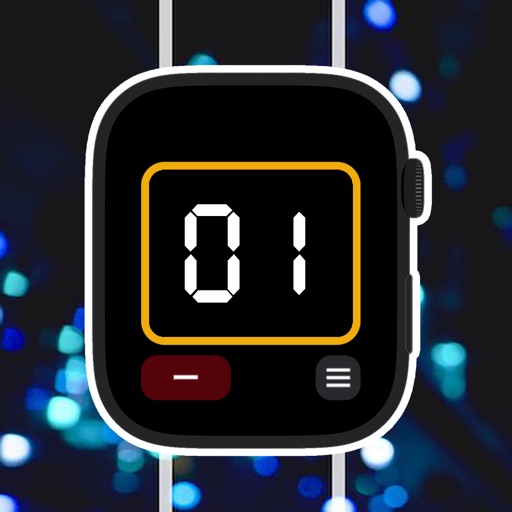
Track various counts and values with customizable . Set and increment values using large buttons. Define steps for incremental changes. Monitor progress for goals like savings, habits, or event countdowns. Sync data across devices.
by Thomas Tsopanakis★ 4.82,883 ratingsUtilities$1.99Data updated 2026-09-08
Track and save Dhikr, Tasbeeh, Swalath, , and Zikr counts. Tap screen to increment counter. Counts are saved automatically and retained between sessions. Includes timer to record counting duration.
Manage and access digital passes for The New York Pass® and The London Pass®. View attraction listings, check availability, and book experiences. Access your pass for entry and track usage across multiple destinations.
Track and progress with built-in row and stitch counters. Convert PDFs and websites into interactive guides. Log patterns, manage stashes, and navigate complex charts. Set reminders and monitor project milestones.
Track up to five custom counters with unique titles and settings. Adjust values manually or set automatic increments. data is saved automatically and accessible on Apple .
Manage multiple counters with unlimited creation and customization options. Personalize each with distinct colors. Sort counters by name or value. Track and reset counts as needed. Export data to CSV for record-keeping.
Track counts with a tap or swipe. Create unlimited in an adaptive layout. Manage multiple counts in a list. Use full screen mode for distraction-free counting. Adjust options by holding the screen.
The app offers fast left/right tap counting with handedness awareness. It includes color palettes, history logging, iCloud sync, and export options to plain text or Markdown.
Count numbers with a plus or minus button in the or . Set automatic resets with timers. Use shortcuts for Siri or Apple Watch integration. Send data via HTTP to third-party habit trackers. View a history log of all counts.
Add counters to your home screen with customizable colors, fonts, and names. Choose from small, medium, or large sizes. Tap widgets to open the . Create new counters via the 'New' button or edit existing ones through the customization menu.
Track counts with customizable counters for sets, laps, items, or habits. Set goals with progress rings and receive haptic feedback on each tap. Organize counters using folders and color labels. Export data or share results directly.
With customizable counters and real-time tracking. Set and rename counters, reset to zero, and view detailed reports. Supports Apple Watch for on-the-go counting. Adjust fonts for accessibility. Track laps, reps, inventory, or research data.