The app presents maritime navigation rules using interactive 3D models. Users can examine vessel lights and shapes from various perspectives to understand vessel identification and right of way for collision avoidance.
by Guaita NS Nautical School★ 0.00 ratingsEducation$6.99Data updated 2026-10-13
Learn fundamentals with interactive lessons on chartwork, safety, buoyage, light signals, shapes, sound signals, meteorology, GMDSS, and anchoring. Take quizzes to test knowledge and track progress.
Track ships in real-time with detailed location data and voyage updates. View routes, port schedules, and passenger reviews. Set alerts for arrivals and departures. Share voyage information via social media.
Control lighting systems with real-time pattern status and sunrise/sunset timers that work offline. Sync folders and patterns across devices via cloud. Customize lighting scenes and manage schedules directly from the .
Learn finger-spelling in American Sign Language with interactive 3D models that can be zoomed and rotated. Practice letters and words through quizzes. View hand shapes from all angles for accurate learning.
Create 3D scenes with multiple characters or simple shapes to visualize sketch outlines. Generate storyboards via screenshots or frame comic book illustrations. Adjust light and perspective for anatomically accurate figures.
Explore human anatomy and physiology through interactive 3D models. Rotate, zoom, and dissect virtual organs. Access detailed explanations of systems and diseases. View layered structures and compare healthy vs. pathological states.
Track time with traditional or simplified bell sequences. Set hourly bell strikes or schedule quiet periods. Configure bell sounds and manage alerts for watch changes. Sync with other devices for consistent timing.
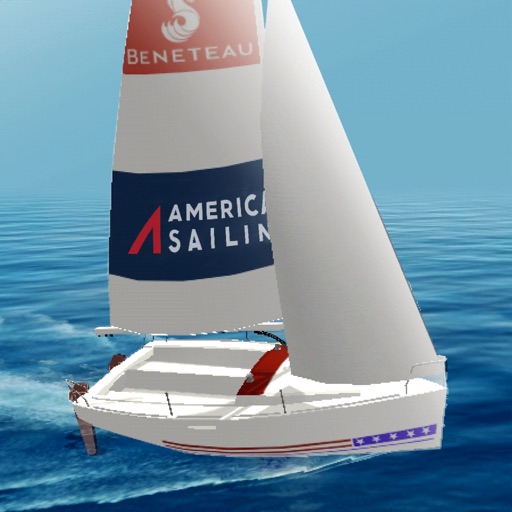
Learn fundamentals through six interactive modules covering Points of Sail, Apparent Wind, Sail Trim, Tacking and Jibing, Rules of the Road, and Docking. Practice skills in a timed course simulation to apply knowledge in a realistic environment.
Control and program ™ Track and Deck systems remotely via cloud-based secure sign-in. Adjust and customize colors for events, holidays, and personal preferences.
Take tests on airspace rules, weather, operations, emergency procedures, and maintenance. Use interactive study modes to review material. Answer realistic sample questions. Track progress to focus on weak areas. Prepare for the FAA exam.
Facial anatomy and proportions with interactive 3D models. Rotate and zoom to examine skull structure and planar forms. Compare simplified shapes to understand underlying anatomy for portrait drawing and painting.
Explore 3D models to study nerves, vertebrae, and cranial structures. Rotate and zoom to examine anatomical details from multiple angles. Watch animations explaining muscle contractions.
Explore a 3D globe to learn about countries, their cultures, wildlife, transportation, historical figures, and landmarks. View facts, images, and descriptions of over 200 nations.
Capture and scan objects or spaces to create detailed 3D models using camera zoom, auto-timer, and manual focus. Scan areas by walking with a mini-map, interactive camera views, and real-time raytrace preview.
Play sleep sounds and set alarms with time, weather, and calendar info. Choose gentle or loud wakeups, automate lights, or answer trivia. Adjust brightness, use flip clocks, and integrate with smart home devices.