Crop images into various shapes using over 70 masking tools. Adjust background colors. Export directly to Instagram or other apps. Share edited photos across supported platforms.
by Yusuke Horie★ 4.8157 ratingsPhoto & VideoFreeData updated 2026-09-08
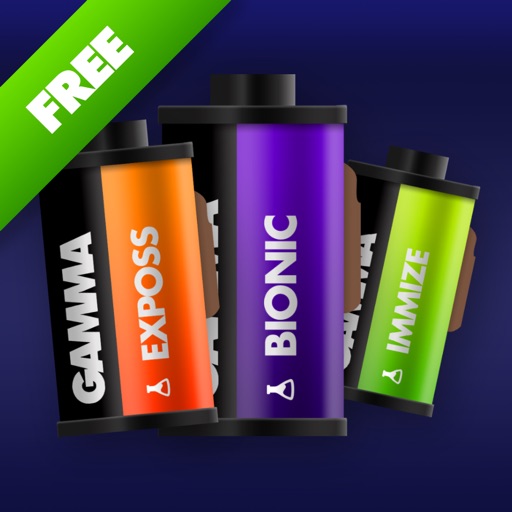
Apply filters inspired by real color film prints to photos and videos. Adjust colors pixel by pixel for realistic results. Save images in high resolution without quality loss. Compatible with editing software like Premiere Pro and Photoshop.
Background of photos with adjustable effects. Remove unwanted objects or faces. Edit photos with enhancer tools. Unblur accidentally blurred sections. Access a large catalog of effects.
Edit photos with tool to reshape body parts. Use reconstruct brush to adjust features. Resize , breasts, and waist. Add filters and effects. Save and share edited images.
Edit photos and videos with text, shapes, logos, and custom styles. Adjust colors and brightness. Add stickers and filters. Export and share directly to social media platforms.
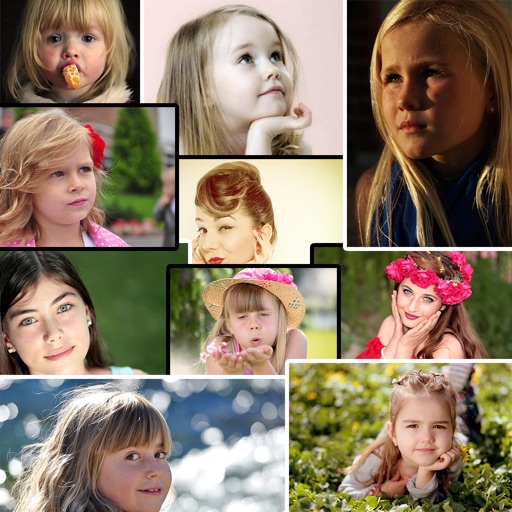
Edit photos with , , and collage tools. Create montages and custom collages. Adjust brightness, contrast, and saturation. Add text and stickers. Share edited images directly.
The app allows users to enhance photos with frames, effects, and text. Users can capture new photos or select existing ones from their gallery to integrate with chosen frames.
Remove unwanted , people, or clutter from photos using AI-powered tools. Edit images by erasing specific elements and refining edges. Save and share edited photos directly.
Capture tool images to generate professional foam inserts. Automatically recognize tool shapes and arrange them in a compact layout. Export layouts for cutting and printing. Adjust spacing and orientation manually if needed.
Edit photos and videos with intuitive tools. Apply filters, adjust brightness and contrast. Add text, stickers, and music. Share directly to Instagram, Facebook, YouTube, and other platforms. Manage multiple accounts in one .
Create animations using 3D blocks in a 20x20 grid. Design up to 6 frames for short loops. Save and share animations. Practice character design for Minecraft skins or create retro game sprites.
And resize photos for social media profiles including Instagram, Facebook, Pinterest, and LinkedIn. Trim and compress videos. Apply blur, flip, and rotate functions. Export edited media in optimized formats.