Crop images into various shapes using over 70 masking tools. Adjust background colors. Export directly to Instagram or other apps. Share edited photos across supported platforms.
by Yusuke Horie★ 4.8157 ratingsPhoto & VideoFreeData updated 2026-09-08
The app offers over 60 unique PIP Real Life frames for transforming portraits and selfies. It allows users to combine multiple photos in one frame without grids and add adjustable text labels to pictures.
Create GIFs from photos, videos, and bursts. Trim and crop media. Apply stickers, filters, and effects. Merge content from photo library. Share GIFs to Instagram, Snapchat, Twitter, and Messenger. Generate pixel- GIFs, Stories, and Wallpapers.
Split photos into 3×2, 3×3, 3×4, or 5×5 grids. Save images in high resolution. Choose grid styles and export directly. Share ready-to-post layouts on Instagram.
Edit photos with romantic frames and backgrounds. Add text and stickers. Adjust brightness and contrast. Crop images and apply filters. Share edited photos directly.
Objects, people, or blemishes from photos. Edit backgrounds and save as PNG or JPG. Crop images, add text, filters, logos, or watermarks. Use one-click background removal and clipping tools.
Access and edit royalty-free images and vectors. Add text, stickers, and effects to images. Share edited content on social platforms. Edit for personal or commercial use without copyright restrictions.
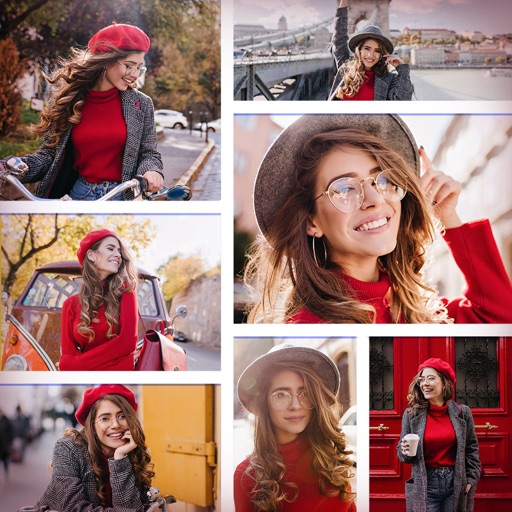
Create collages by selecting multiple photos and arranging them in various layouts. Apply mosaic effects to individual photos for artistic results. Edit images with basic tools and save or share the final output.
Create collages by combining multiple photos and videos. Choose from , poster, or editor modes. Adjust layouts, add effects, and stitch content together. Edit images with filters, cropping, and text overlays.
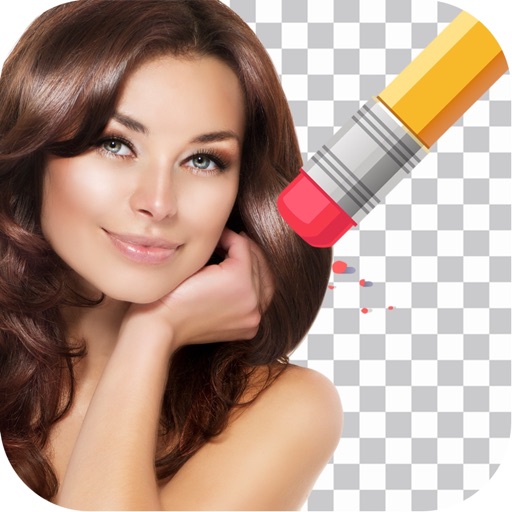
Remove backgrounds from photos by tapping areas to erase. Automatically or manually adjust transparency. Save edited images in HD quality. Export and share edited photos directly.
Apply filters inspired by real color film prints to photos and videos. Adjust colors pixel by pixel for realistic results. Save images in high resolution without quality loss. Compatible with editing software like Premiere Pro and Photoshop.
Post full-size photos to Instagram without cropping. Adjust orientation, scale, and flip images. Apply filters, add borders, frames, stickers, and text. Customize backgrounds with blur, shapes, and shadows.
Edit photos with AI enhance, magic remove, and background change. Create collages and apply filters, templates, and stickers. Recolor old photos and generate text-to-image or image-to-image edits. Share edited photos directly to social media.