Convert to PDF with up to 250 images per document. Arrange in layouts with up to 12 per page. Add notes, titles, and brand elements like logos. Edit by rotating or scaling. Adjust font size and image quality. Print documents instantly.
Black and white with one tap. Adjust colors, enhance brightness, and fine-tune contrast. Save and share edited images directly. Includes tools for image enhancement and color correction.
Write notes and sketches using a black pen. Erase and redraw freely. Save notes to the device. Share notes via email or messaging. Adjust text size and color. Use as a memo pad or idea journal.
Compress videos and images to save space. Organize saved media files. Share compressed content directly from the . Reduce file size without losing quality.
The app offers two modes: 2 Image Compare with manual slider control and Slideshow mode for animated presentations. Users can record slideshows, convert videos to GIF, and add background music.
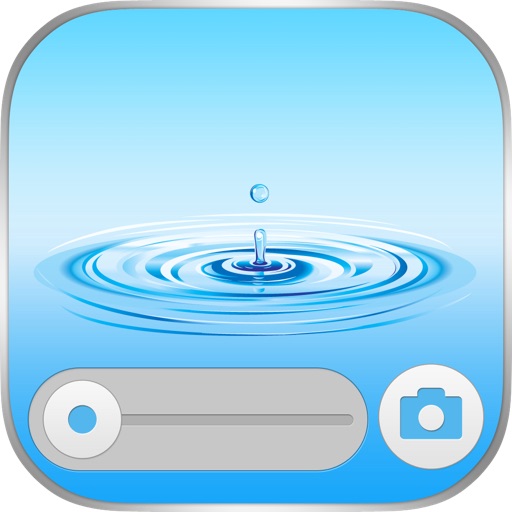
The app offers a wallpaper collection featuring water, nature, drops, bubbles, and splash elements. It provides designed wallpapers with time and slider overlays for users to select.
View and manage short notes with quick writing, updating, and deletion. Display notes in widgets on home screens. Adjust size in widgets with premium access. Sync notes across devices using iCloud.
The app allows users to keep schedules and notes by handwriting directly on a calendar. Users can add photos, text, icons, and wallpapers to personalize their calendar entries and save daily plans, memories, and more.
The app allows users to add selected photos to widgets, with three display methods available. Photos can be imported, viewed with GIF animation support, and taken directly within the app.
Edit photos by selecting from a gallery or capturing new images. Apply unique and not found elsewhere. Adjust background colors and photo size. Combine multiple with a single tap. Export and share edited photos.
Create avatars by selecting a photo and trimming it. Add a text stroke with customizable font, color, and frame size. Save the design for use on without ads or watermarks.
Create and customize for cross and pixel art. Set grid size up to 1,000 x 1,000. Choose display formats including symbol, fill, and . Use rulers and context menus to copy, move, flip, or clear elements. Duplicate pages and select starting positions.
The app calculates properties for triangles, trapezoids, and circles. It accepts various input formats for angles and lengths, displaying results in the chosen format.
Create checklists, to-do lists, and diaries with customizable page structures. Edit from the last saved page. Adjust text size by pinching the screen. Organize entries by genre using short sentences.