Select photos from phone or tablet to print on . Choose from 12x12 square or landscape/portrait sizes. Print at Walgreens. Share from Instagram, Facebook, Flickr, Google Photos, or Dropbox.
by MEA Mobile Limited★ 4.8326 ratingsPhoto & VideoFreeData updated 2026-09-08
Create and edit digital artwork with layers, brushes, and custom tools. Adjust colors, brightness, and contrast. Import photos and sketches. Save and export in various formats. Apply filters and effects. Collaborate with others through cloud sharing.
Print documents and photos from your iOS device using a local wireless connection to a printer or all-in-one machine. Scan documents to your device and preview scans before sending. Edit, fax, and check machine status directly through the .
Create oil paintings from photos with brush stroke effects, color blending, and texture layers. Adjust lighting and shadows. Save and share final artwork in high resolution.
Take photos using the built-in camera. Resize images to specific dimensions. Remove backgrounds with an eraser tool. Choose background colors for ID photos. Export edited images.
Create and style photos with single tap effects. Apply 8 filters including , Cartoon, and Dots. Share images to social media or save to photo library. Print photos directly.
The app allows users to turn iPhone photos into postcards, calendars, framed prints, and photobooks. Users select photos, edit and preview them, and then place an order for delivery.
Convert photos and videos into paintings or hand-drawn animations using AI. Apply sketching or painting styles with adjustable textures. Save the artwork process as a video. Choose from five standard art tools.
Create videos from photos in the camera roll. Adjust video canvas size for square or vertical formats. Change playback speed for effects. Apply transitions between clips. Export and share the final video.
Learn basics through guided lessons on letter formation and stroke techniques. Practice tracing and writing letters with on-screen tools. Access alphabet guides and stroke exercises to improve lettering skills.
Try on face effects using AR technology. Apply and customize looks. Share selfies with filters and effects. Connect with other enthusiasts to exchange ideas and inspiration.
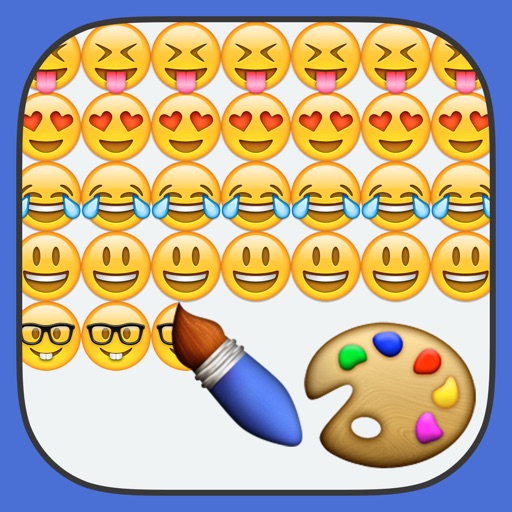
Create paintings using emojis. Select from over 1600 emojis. Adjust size and other settings. Zoom in and out for precision. Works on iPhone, iPod Touch, and iPad.
Edit images with filters, effects, and background erasing. Add , stickers, and shapes to . Use layers for advanced editing. Access a large font library and sticker collection. Create flyers, posters, and social media content.