The app provides a basic ASCII terminal for engineers to connect to serial devices. It is suitable for testing and debugging serial connections and controlling devices with a standard serial interface.
Allows SSH, Mosh, Telnet, and SFTP connections from mobile or desktop. It supports port forwarding and secure file transfers. Users can access a virtual keyboard or connect Bluetooth keyboards. Gestures and device shaking control terminal actions.
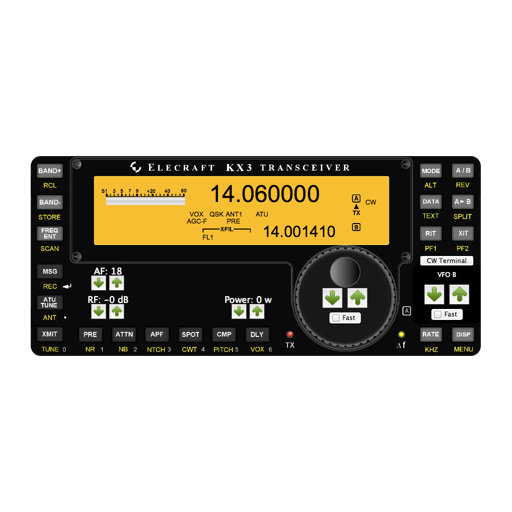
The app offers a graphical interface for controlling the Elecraft KX3 radio. It includes a built-in CW/DATA terminal with decode functionality, and user-defined Macro, CW, and VFO memories.
Control monitoring devices via 3G, 4G, or Wi-Fi. Check real-time video streams. Input serial number through QR scan or manual entry. Verify device online status to access live footage.
Scan barcodes with your smartphone camera to identify products. Search for items by entering serial numbers. View product details and pricing directly within the . Share scanned results via email or messaging.
Connect to servers via SSH, , Telnet, and Port Forwarding. Use password, two-factor, or key-based authentication. Manage remote systems securely from iOS or macOS devices. View and edit files directly on the server.
Access electrical wiring diagrams for switches, fans, and outlets. Calculate grounding conductor sizes. View diagrams for 3-way switches, 4-way switching, GFCI, and more. Includes NEC 2014 to NEC 2023 standards.
Enable remote control of Elecraft K3 radio via iPhone, iPad, or iPod Touch. Connect iDevice through WiFi to K3 via USB/serial port. Control radio settings and monitor status from mobile device.